Digital systems are part of daily life everywhere today. People use many online platforms for work daily. Students log into learning portals every single day. Employees access office tools using digital credentials daily. Healthcare staff use secure systems for patient information. Managing many logins becomes confusing for most users. Different passwords increase stress and security risks daily. Forgotten credentials slow down work and productivity badly.
What is RapidIdentity?
RapidIdentity helps manage digital identities in one system. It controls who can access which platform securely. It reduces login problems and access confusion greatly. The system supports secure and simple authentication processes. Users log in faster with fewer technical issues. Organizations gain better control over user access.
RapidIdentity plays a key role in identity lifecycle management. It supports secure access from account creation to removal. This makes digital environments safer and easier to manage.
Key Features of RapidIdentity
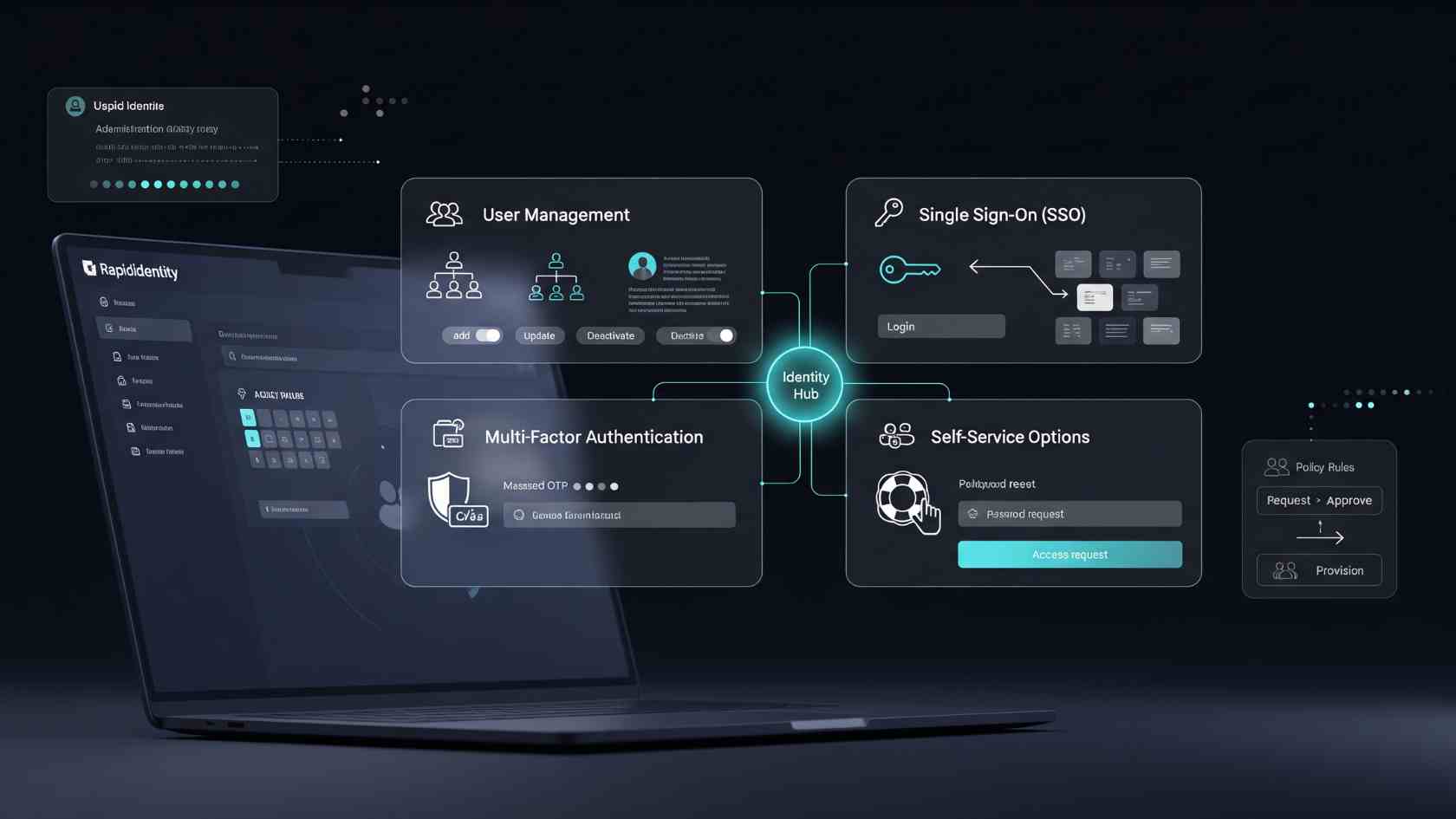
RapidIdentity offers several features for access management needs. These features focus on simplicity, control, and security.
1. User Management
User management is handled from one central location. Admins manage all accounts through a single dashboard. New users can be added quickly and easily. Existing user details can be updated without delay. Access removal happens smoothly when users leave.
This reduces manual work for IT teams. Errors in account handling decrease significantly. Everything stays organized and easier to track.
2. Single Sign-On (SSO)
Single Sign-On allows one login for many platforms. Users sign in once to access multiple systems. This removes the need for remembering many passwords.
Login time becomes shorter and smoother. User frustration decreases with fewer login attempts. Support requests related to passwords reduce noticeably.
3. Multi-Factor Authentication (MFA)
Passwords alone cannot protect systems today fully. MFA adds an extra verification step during login. Users may receive codes or app notifications.
This prevents unauthorized access effectively. Even stolen passwords cannot bypass security easily. System protection becomes stronger and more reliable.
4. Self-Service Options
Users can reset passwords without contacting support. Account recovery becomes fast and simple. Users feel more independent using these tools. IT teams receive fewer reset requests daily. Overall productivity improves across organizations.
5. Customizable Dashboards
Dashboards change based on user roles. Admins view logs, alerts, and system activity. Users see their apps and account settings. This improves usability for every user type. Navigation becomes clearer and easier for everyone.
Also Read: What Is NCEDCloud? Access, Features & Troubleshooting Guide
How RapidIdentity Works
RapidIdentity works through secure identity verification processes. Users begin by entering login credentials. The system checks identity against stored user data. Access rules decide what users can enter. Unauthorized users are blocked immediately. Authorized users move to the next step. If MFA is enabled, extra verification appears.
Users complete the required security action. Access is granted after successful verification. RapidIdentity integrates with many external platforms. These include cloud services and enterprise tools. Educational systems also connect with RapidIdentity easily. The system acts as a secure connection layer. Admins manage integrations from one interface. System activity is recorded for monitoring purposes.
Common Use Cases of RapidIdentity
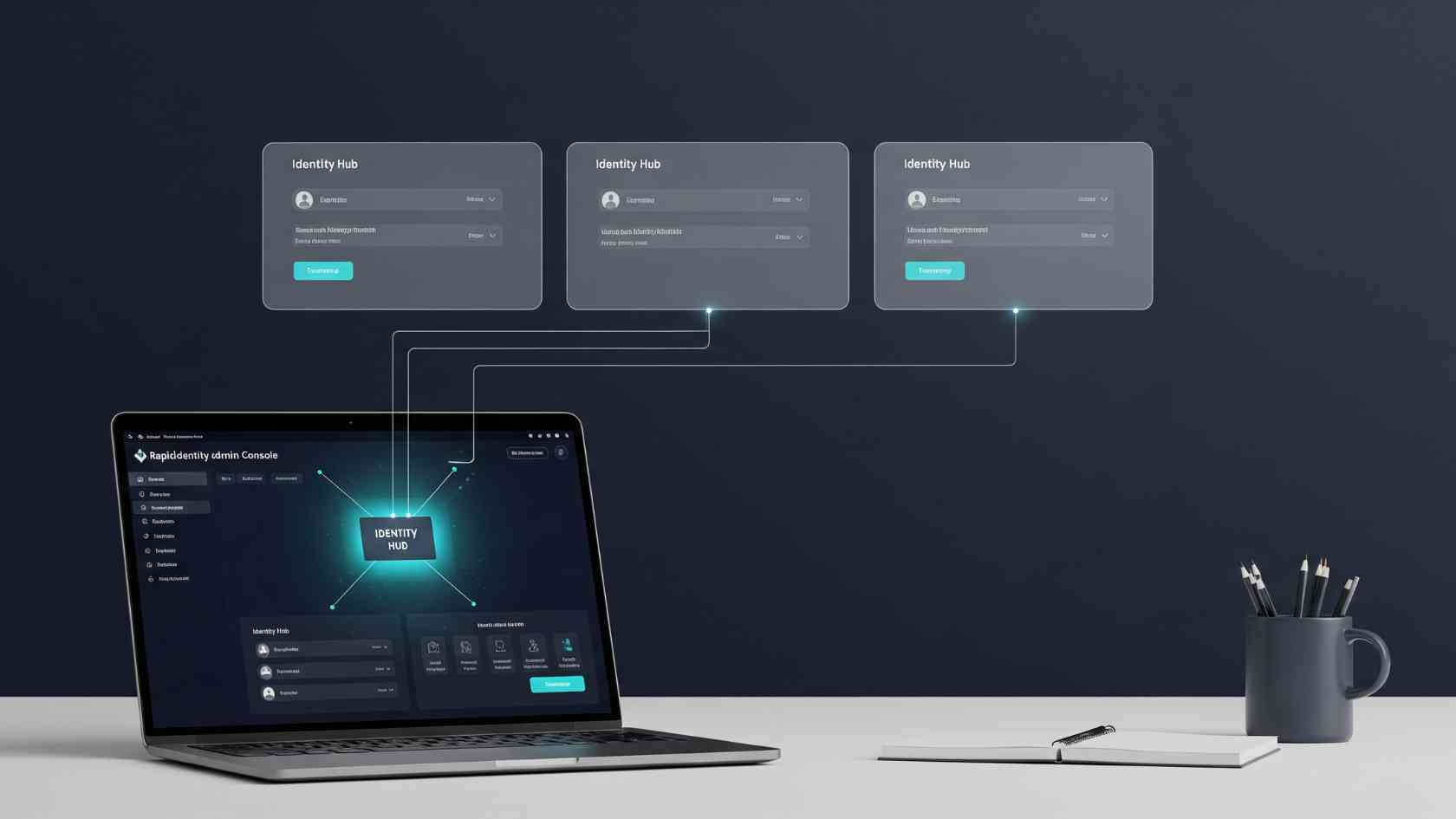
RapidIdentity is used across multiple industries worldwide. Each sector faces different access challenges.
Education Sector
Schools manage thousands of student accounts yearly. Teachers and staff also require secure access. RapidIdentity simplifies account handling for institutions. Students access learning tools with one login. Teachers manage classes without login confusion. New accounts are created during enrollment periods. When students leave, access is removed safely. Security remains strong throughout the academic year.
Corporate Sector
Companies manage employee access daily. New hires need system access immediately. Role changes require permission updates quickly. RapidIdentity supports role-based access control. Employees only access tools related to their job. Sensitive business data stays protected properly. Leaving employees lose access without system gaps. This reduces internal security risks significantly.
Healthcare Sector
Healthcare systems handle sensitive patient information. Access control is critical for data privacy. RapidIdentity restricts access to approved staff only. MFA protects medical records from unauthorized access. Audit logs support compliance and security reviews. Patient trust increases with stronger data protection.
Also Read: RapidIdentity CCPS: The Simple Guide to Faster School Logins
How to Set Up and Configure RapidIdentity
Setting up RapidIdentity follows clear and structured steps. Each step builds a secure access foundation. First, connect the user directory system. This includes staff or student databases. User data syncs automatically into RapidIdentity.
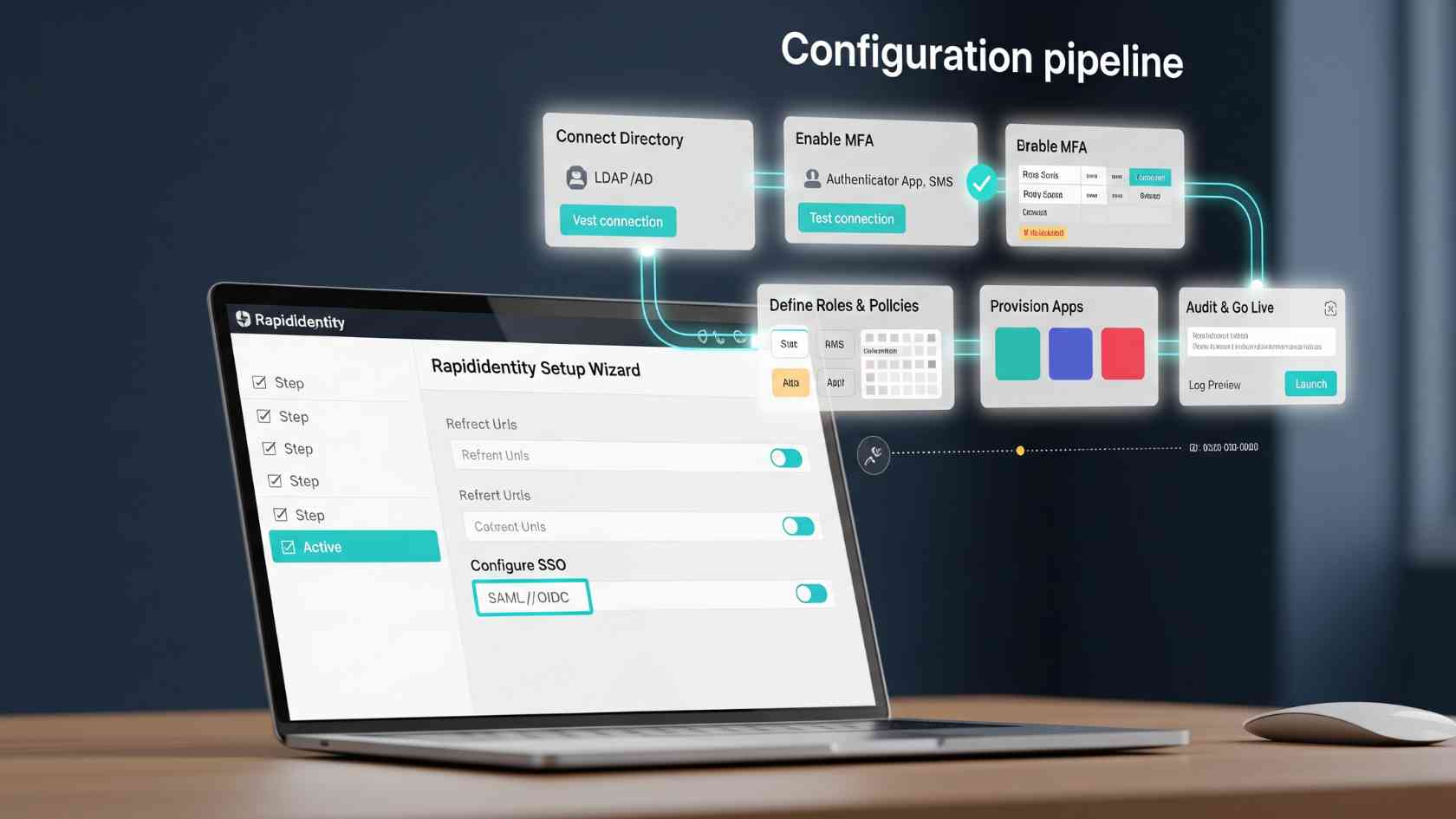
Next, define user roles and permissions. Each role receives specific access rights. This prevents unnecessary system exposure. Then, integrate required applications and platforms. Single Sign-On becomes active after integration. Users access systems through one login. After that, configure multi-factor authentication settings. Admins select preferred verification methods. Security rules apply based on organization needs.
Finally, enable self-service tools and dashboards. Users manage passwords independently. Admins monitor system activity efficiently.
Troubleshooting Common Issues
Issues can occur in any identity system. RapidIdentity provides tools for quick resolution.
Login Issues
Users may forget their passwords sometimes. Self-service reset options solve this quickly. Accounts unlock without IT intervention. Admins can view login attempt history. Errors are identified through system logs. Issues are resolved without long delays.
Configuration Problems
Integration problems may occur with third-party applications. These issues often relate to incorrect settings. Permission mismatches are common causes.
Checking configuration details usually fixes problems. Logs help identify integration failures easily. Documentation supports effective troubleshooting processes.
Also Read: RapidIdentity CCISD: A Complete Guide to Student and Staff Login
Conclusion
RapidIdentity supports modern identity lifecycle management needs. It simplifies access while improving overall security. Centralized control reduces confusion and manual work.
Users experience smoother and faster logins daily. Admins manage access with better visibility. Security risks decrease with layered authentication. Features like SSO and MFA are essential today. Self-service tools improve user independence. RapidIdentity fits the education, business, and healthcare sectors. As digital systems grow, identity management becomes critical. Understanding tools like RapidIdentity helps organizations stay secure.