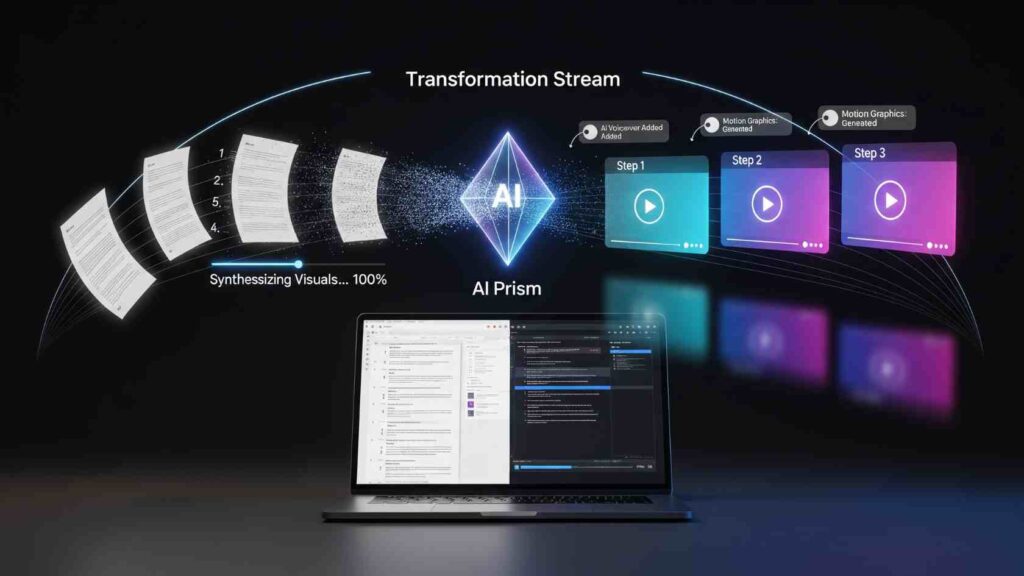
Written documentation has always been the backbone of training, onboarding, and process management. From SOPs and how-to guides to internal playbooks, teams rely heavily on text to share knowledge. But there’s a growing problem: people don’t always read long instructions.
Modern teams are visual. They learn faster when they see a process instead of just reading about it. This is where text to video AI comes in – helping teams transform written workflows into clear, visual, step-by-step videos without needing design or editing skills.
In this article, we’ll explore how text to video AI works, why it’s so effective for documentation and learning, and how teams can use it alongside written guides to create better knowledge-sharing experiences.
Why Written Processes Alone are No Longer Enough?
Written guides are essential, but they come with limitations:
- People skim instead of reading thoroughly
- Complex steps are easy to misunderstand
- Non-technical users struggle with text-heavy instructions
- New hires take longer to understand workflows
For example, a 20-step onboarding document might explain what to do, but not always how it looks when done correctly. Screens, clicks, transitions, and context often get lost in text.
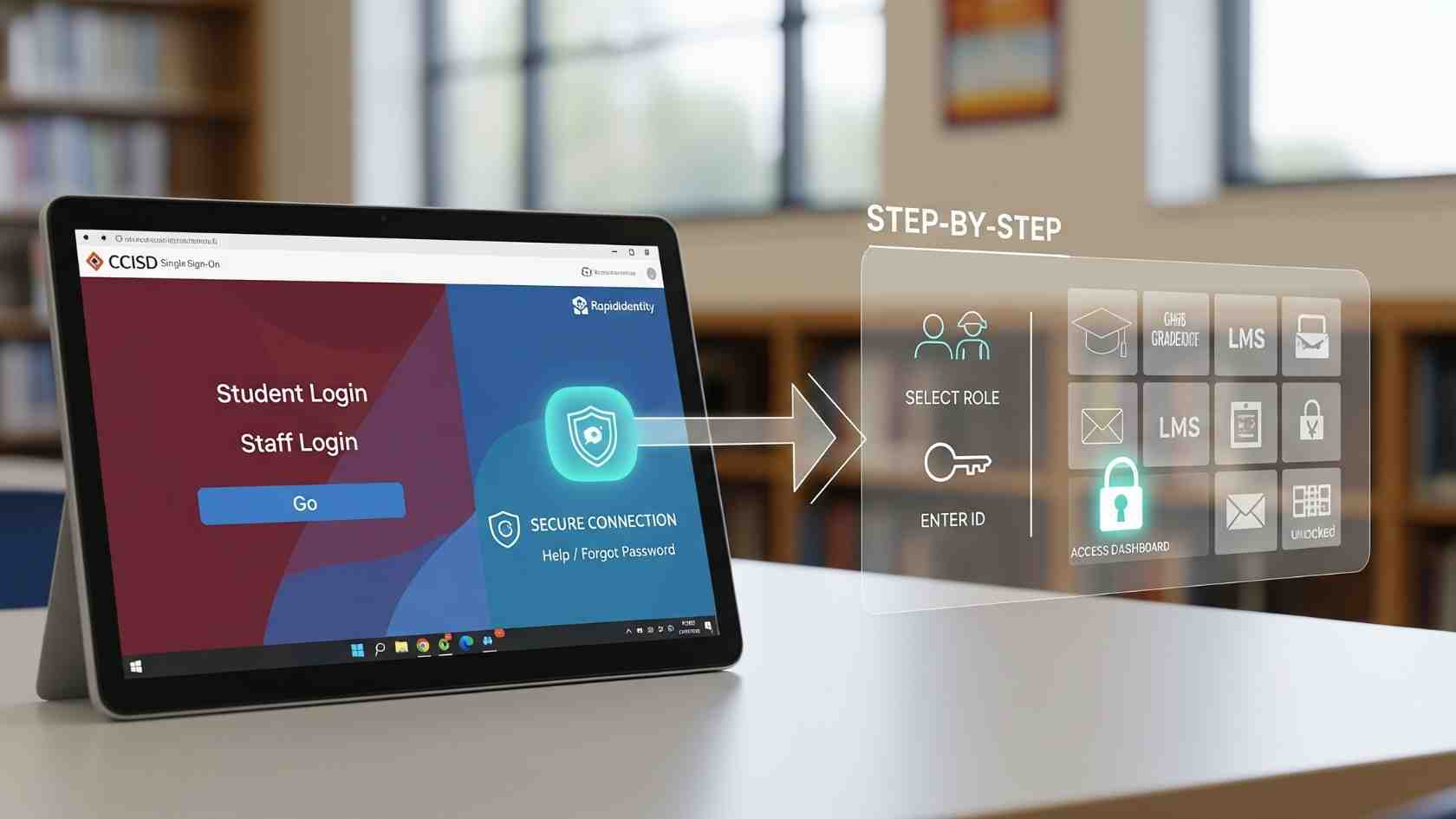
Visual step-by-step guides help bridge this gap. When someone can watch a process unfold, learning becomes faster, clearer, and more engaging.
What is Text To Video AI?
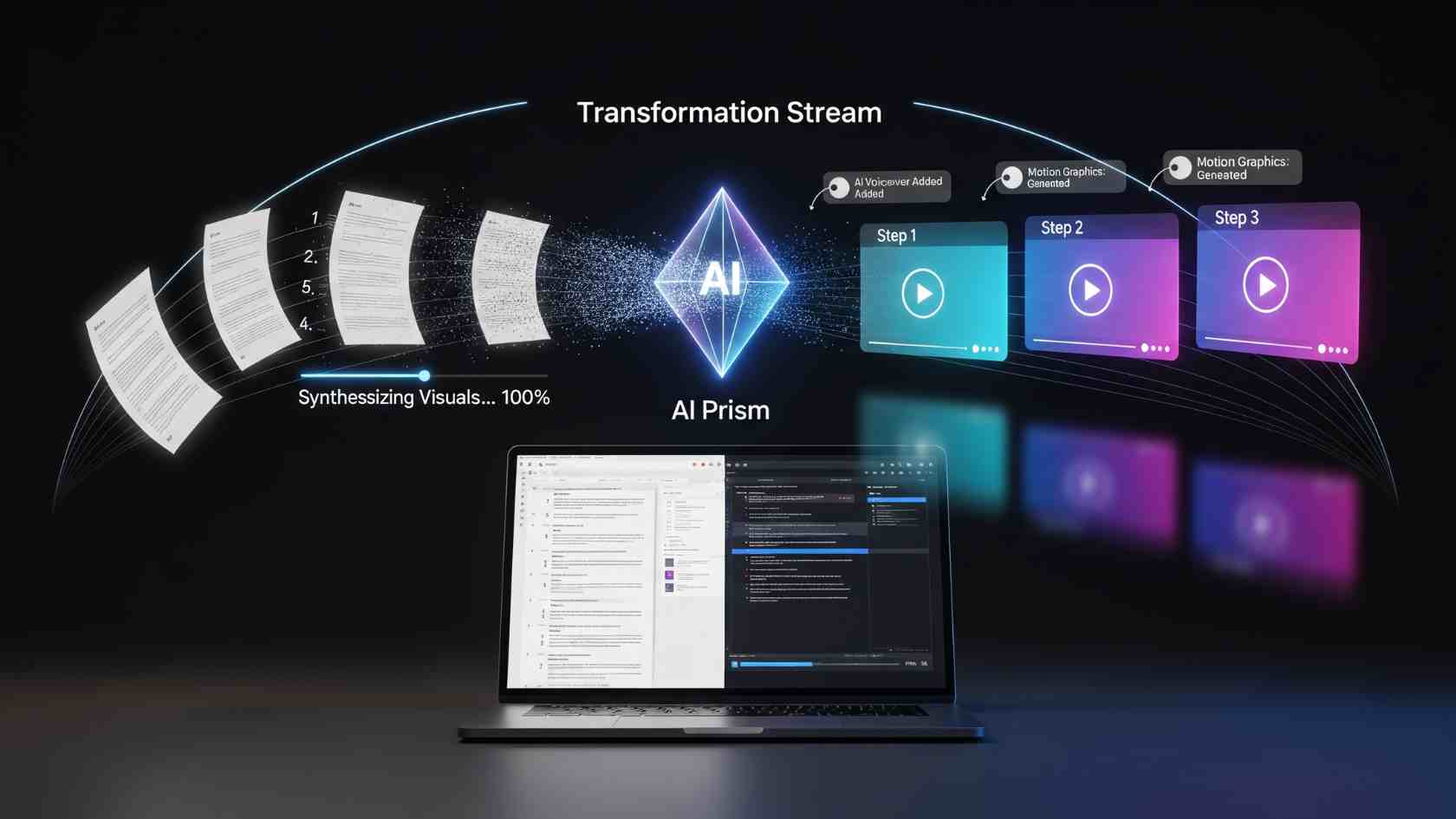
Text to video AI is a technology that converts written content – such as scripts, instructions, or process steps -into videos automatically.
Instead of manually recording screens or editing clips, users can:
- Paste written steps or scripts
- Select a visual style or format
- Let AI generate scenes, visuals, transitions, and captions
The result is a structured video that mirrors the original text, making it easier to follow and remember.
For teams creating documentation, training, or internal tutorials, this removes the biggest bottleneck: manual video production.
How Text to Video AI Turns Processes Into Visual Guides?
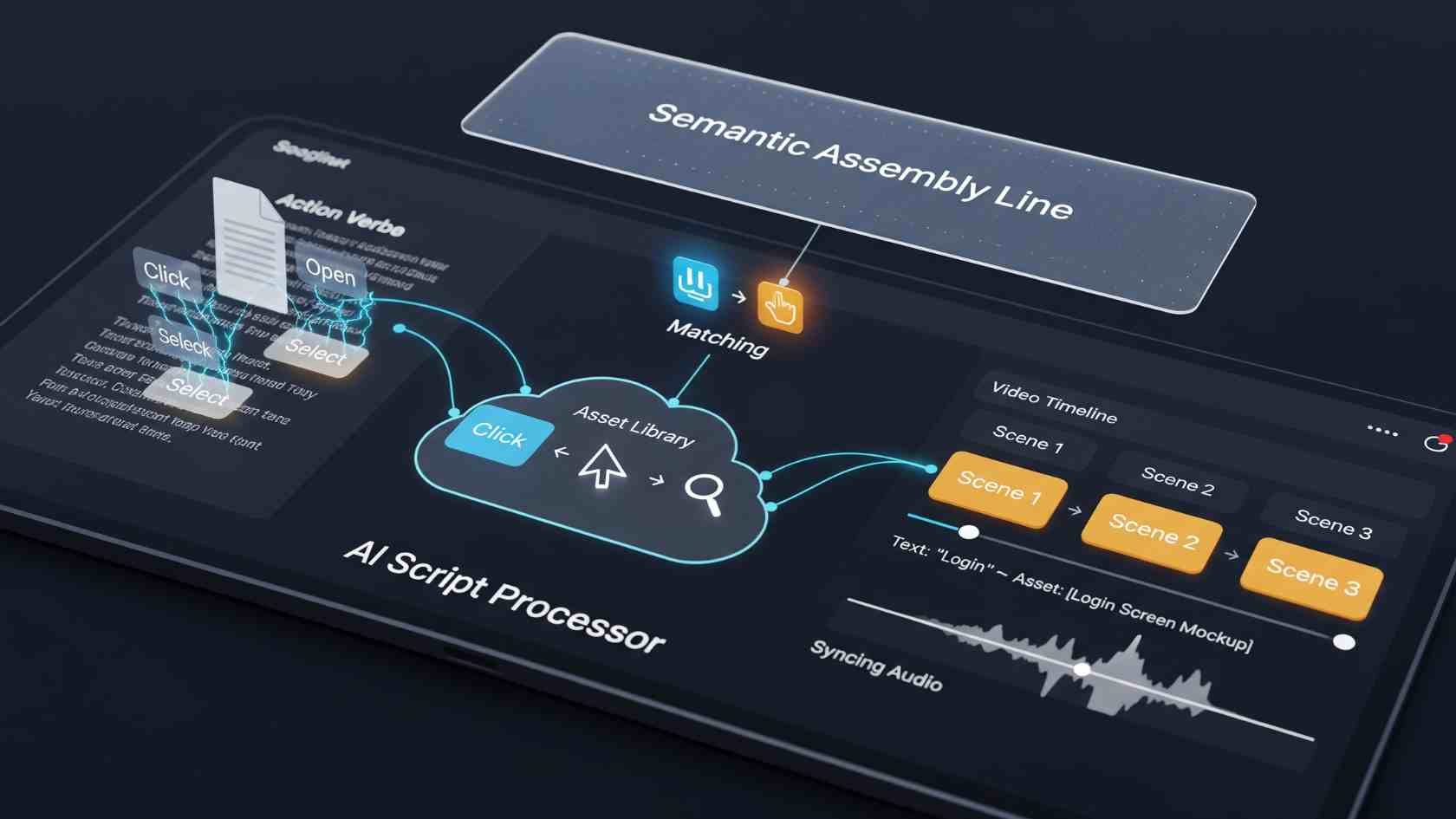
Here’s how most teams use text to video AI for step-by-step documentation:
1. Start With a Written Process
This could be:
- An SOP
- A help article
- A product workflow
- An onboarding checklist
Clear, well-structured text works best.
2. Break Steps into Logical Scenes
AI tools identify individual steps and convert them into visual segments. Each step becomes a scene with supporting visuals, text overlays, or animations.
3. Add Context with Visuals
Instead of abstract instructions, AI-generated visuals show:
- Interface elements
- Process flow
- Key actions or decisions
This makes abstract steps more concrete.
4. Generate Captions and Narration
Many tools automatically add subtitles or AI voiceovers, improving accessibility and comprehension.
5. Share or Embed The Video
The final video can be embedded into documentation, shared with teams, or used in training libraries – often alongside written guides for maximum clarity.
Why Visual Step-by-step Guides Work Better?
Text to video AI isn’t just a trend – it’s grounded in how people learn.
Faster Comprehension
Visual instructions reduce cognitive load. Users understand steps faster when they see them in action.
Better Retention
People remember visual information longer than text alone, making training more effective.
Fewer Support Questions
Clear videos reduce confusion, repeated questions, and errors – especially for complex workflows.
Scalable Documentation
Once created, videos can be reused across teams, onboarding sessions, and updates.
Top 5 Text To Video AI Tools for Creating Step-by-Step Guides
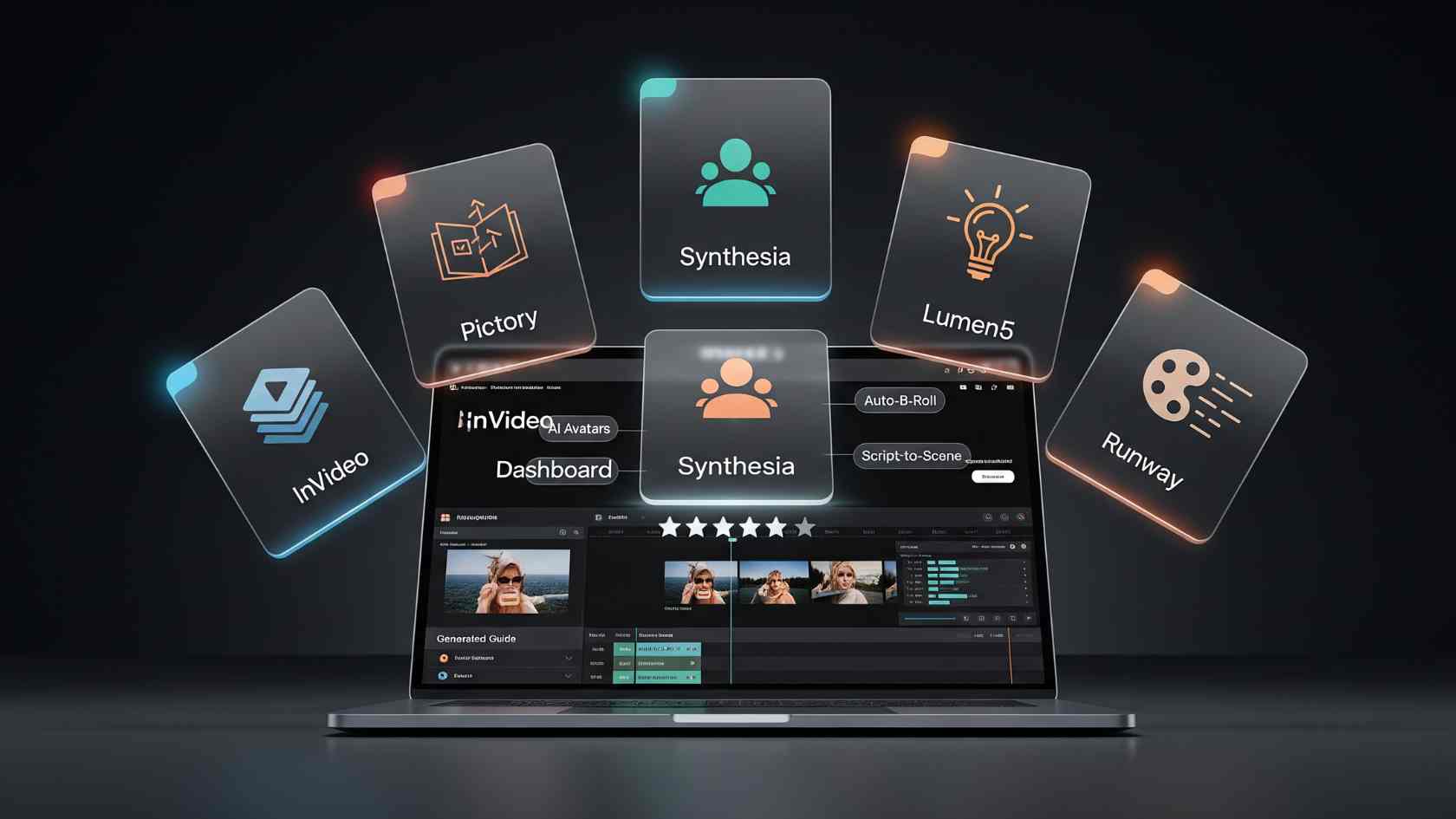
Here are five popular text to video AI tools that teams use to turn written processes into visual content:
1. InVideo
InVideo makes it easy to convert scripts and written steps into professional-looking videos using AI-powered scenes, templates, and captions, making it a reliable ai video creator for modern teams. It’s widely used for tutorials, explainers, and internal training videos – especially by teams without design or editing experience.
2. Pictory
Pictory focuses on turning long-form text and articles into short, structured videos. It’s useful for summarizing documentation and creating bite-sized learning content.
3. Synthesia
Known for AI avatars and voiceovers, Synthesia works well when teams want narrated process videos without recording real people.
4. Lumen5
Lumen5 helps convert text-based content into clean, branded videos using templates and automated scene creation.
5. Runway
Runway offers more advanced AI video capabilities and is useful for teams that want greater creative control over visuals and edits.
Each tool has different strengths, but all aim to reduce the effort required to create instructional videos from text.
Best Practices for Turning Written Processes Into Videos
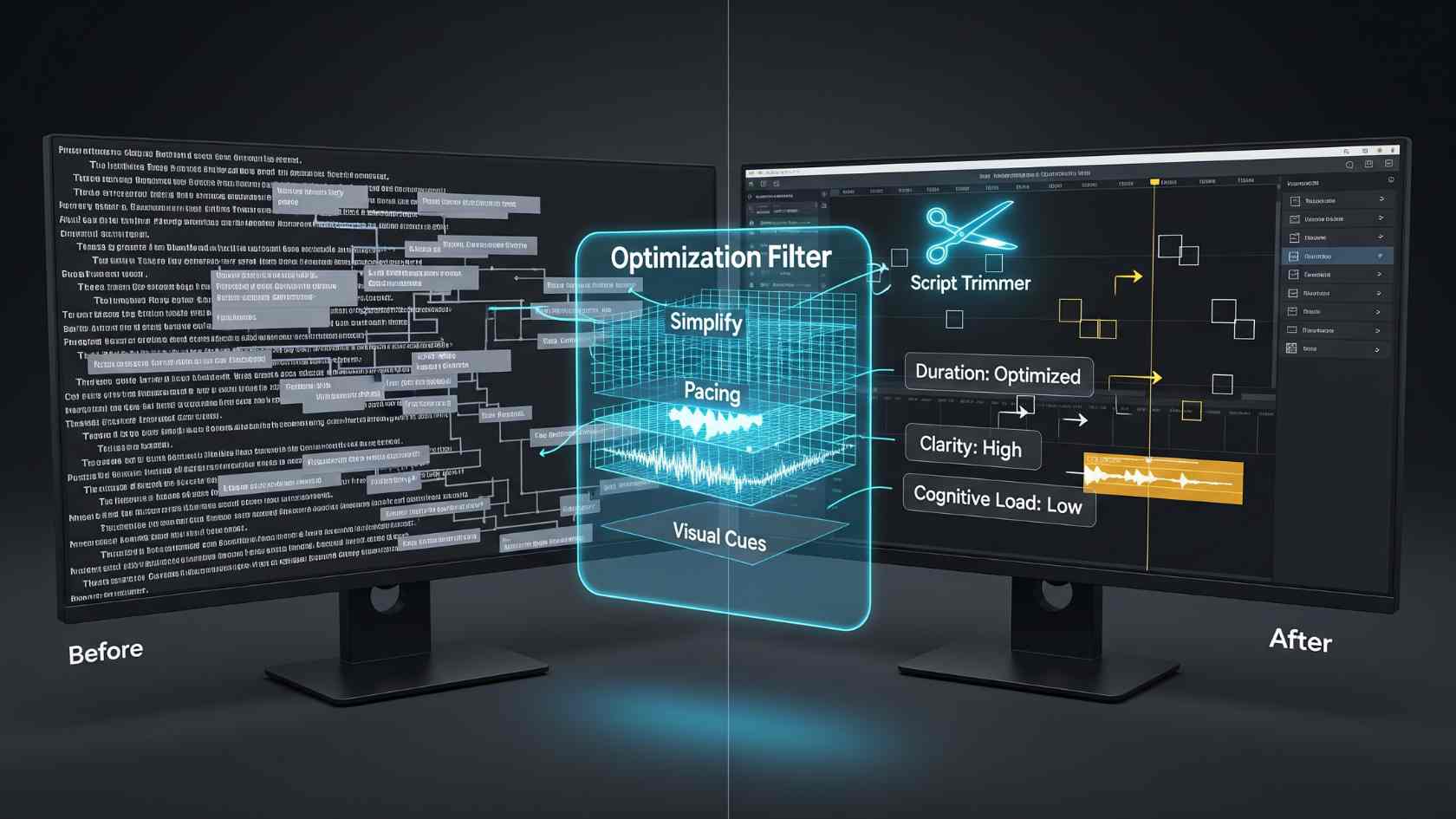
To get the most value from text to video AI, keep these tips in mind:
Keep Steps Short and Clear
Avoid long paragraphs. Each step should represent a single action or idea.
Use Simple Language
Write as if you’re explaining the process to a new team member. Plain language works best.
Pair Text and Visuals Intentionally
Videos should support the written steps – not replace them entirely. Use both together for clarity.
Update Videos When Processes Change
AI makes it easier to regenerate videos quickly when workflows evolve.
Focus on Usefulness, Not Perfection
The goal is clarity and learning – not cinematic quality.
How Text To Video AI Complements Tools Like Scribe?
Tools like Scribe excel at capturing step-by-step workflows in written and visual formats. Text to video AI takes this a step further by adding motion, pacing, and narrative flow to existing processes.
Together, written guides and AI-generated videos create a powerful documentation system:
- Text for quick reference
- Videos for deeper understanding
- Visuals for clarity and engagement
This combination supports asynchronous learning, remote teams, and scalable knowledge sharing.
Final Thoughts
Text to video AI is changing how teams document, teach, and share knowledge. By transforming written processes into visual step-by-step guides, teams can make learning faster, clearer, and more engaging – without adding complexity or production overhead.
As documentation continues to evolve beyond static text, combining written workflows with AI-generated videos will become a standard practice for modern teams focused on clarity, efficiency, and continuous learning.