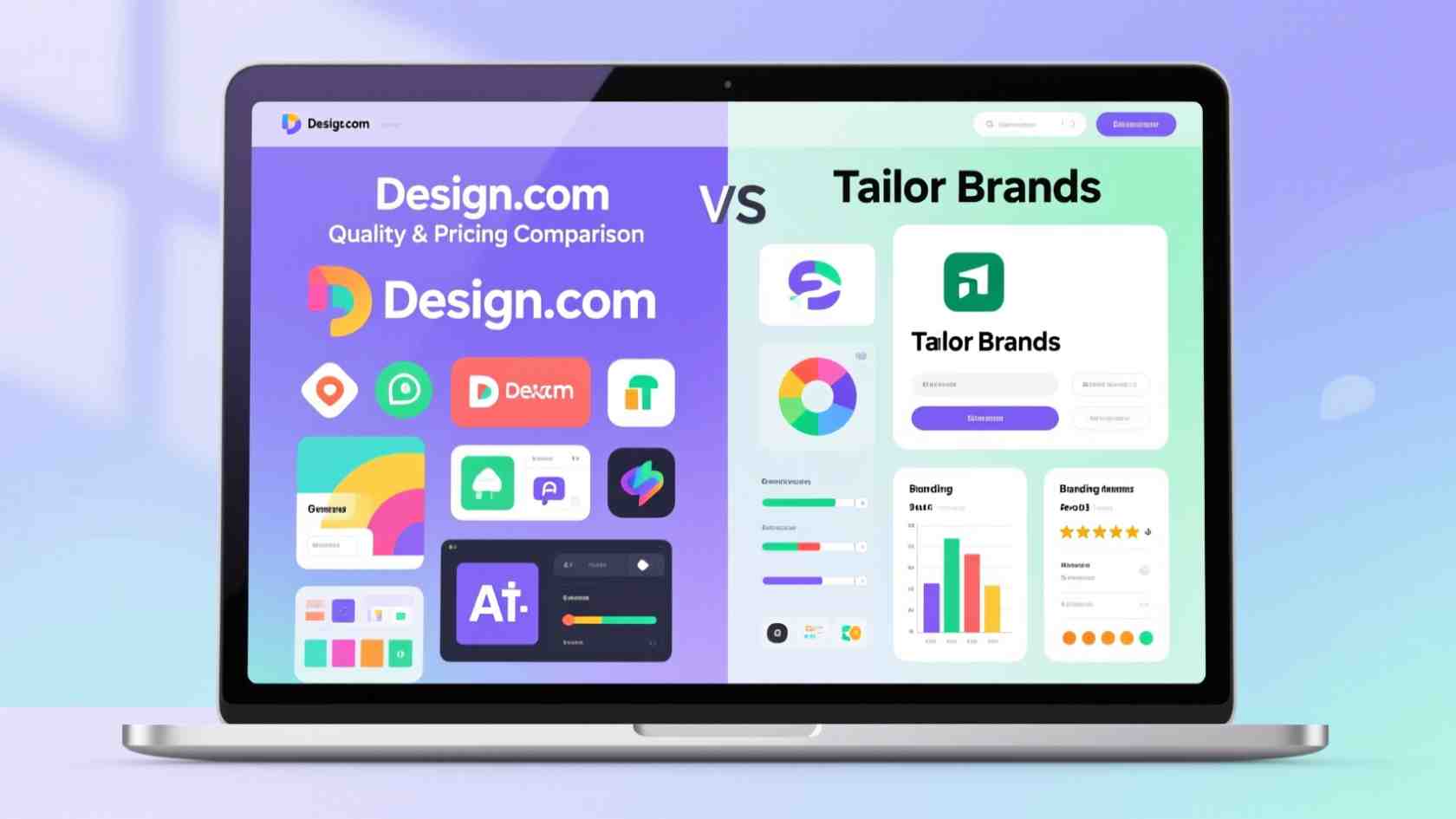
Creating professional logos and other branding materials matters for businesses and individuals who want to stand out. With many design platforms available today, it’s important to select one that provides quality, flexibility, and ease of use. Design.com and Tailor Brands are two popular options, but they meet different needs.
This comparison looks at their features, strengths, weaknesses, and pricing to help you make the right choice.
Key Considerations When Choosing a Design Platform
Creating a strong brand begins with good design. Logos and marketing materials create the first impression. They show your audience that your business is trustworthy and polished.
When choosing a platform, think about:
- Design Quality: Are the templates and graphics modern and professional?
- Customization: Can you easily change colors, fonts, and layouts?
- Speed: Does the platform create designs quickly while maintaining quality?
- Ease of Use: Is the platform easy for beginners but still offers advanced options?
- Versatility: Can it handle logos, invitations, social media posts, and printed materials?
- Additional Support: Are services like business coaching, invoicing, or legal help available?
Two popular options are Design.com, which provides useful tools and unique templates, and Tailor Brands, which focuses on quick, automatic logo creation.
Design.com
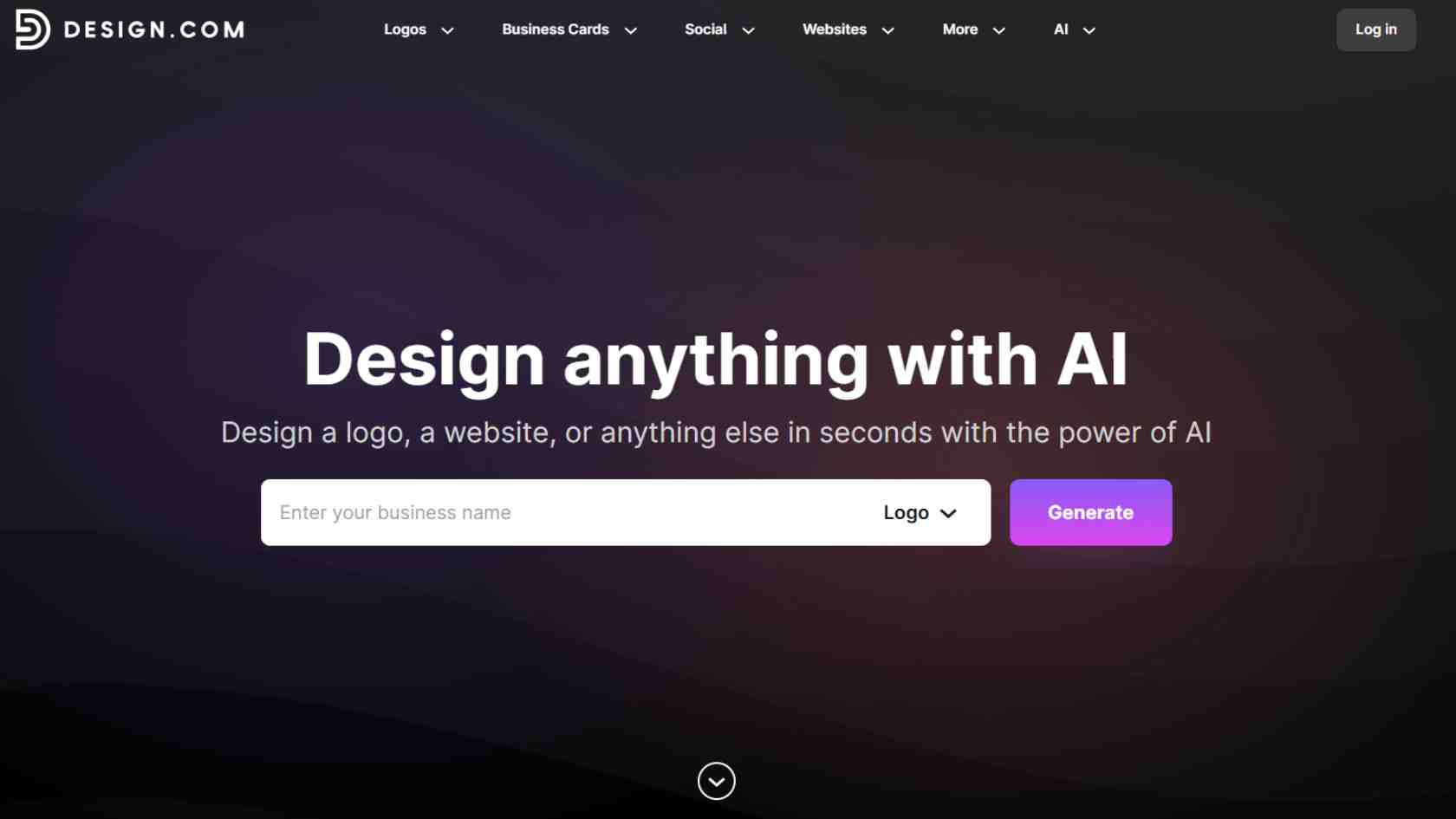
Design.com is a logo design platform that uses AI tools, unique fonts, and professional customization options to help users create logos and branding materials. Designs are suitable for commercial use and can be customized according to business needs.
Strengths
- An extensive library of logos and design templates for many industries.
- AI tools for editing logos, text, icons, and backgrounds.
- Instant logo creation powered by AI.
- Hundreds of unique fonts and thousands of vector shapes.
- High customization for colors, fonts, and layouts.
- Multiple download options: SVG, EPS, PDF, PNG, JPG, GIF, and MP4.
- Printing integration for business cards, mugs, apparel, and more.
Pricing Plans
- Free Tier: Access logos, templates, and design tools for free.
- Premium Logo Pack: $3/month with high-resolution files and unlimited edits.
- Logo Pack + Website: $4/month including the website builder.
- Premium Pack + Website + More: $5/month including all tools and features.
Why Choose Design.com
- AI logo generator and website builder.
- More than 50 branding and design tools.
- Fast logo generation.
- Built-in AI branding tools.
- Collaboration tools for feedback and idea sharing.
- 24/7 support in multiple languages.
Template Samples
Logos

Business Card
Invitations

Instagram Post
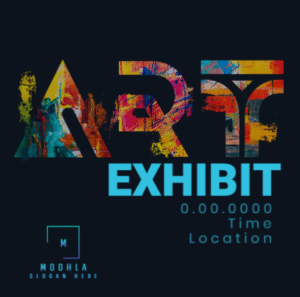
Design.com is suitable for businesses and individuals looking for professional and customizable designs.
Tailor Brands
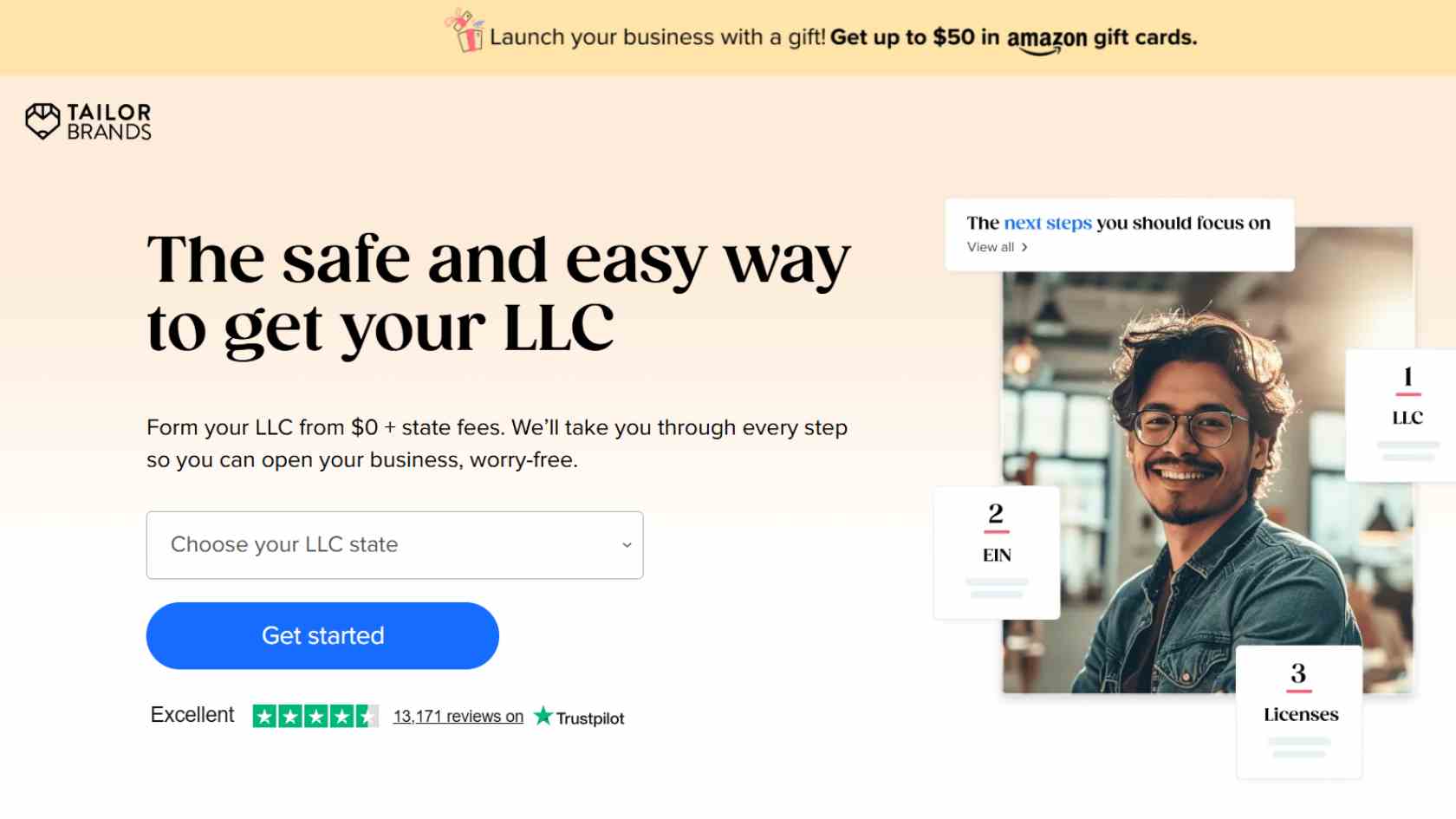
Tailor Brands is an AI-driven design platform focused mainly on logo creation and basic branding materials. It is designed for simplicity, making it suitable for beginners who want quick results.
However, it offers fewer customization options and fewer templates compared to Design.com.
Strengths
- AI-powered logo generator.
- User-friendly interface.
- Quick setup for logos and basic branding.
- Free low-resolution logo downloads.
- Basic branding tools for small businesses.
- Pre-made templates.
- Simple social media sharing.
Weaknesses
- Fewer templates and design assets.
- Limited customization features.
- Some AI logos may look generic.
- High-resolution downloads require paid plans.
Pricing Plans
- Lite: $0 + state fees
- Essential: $199/year + state fees
- Elite: $249/year + state fees
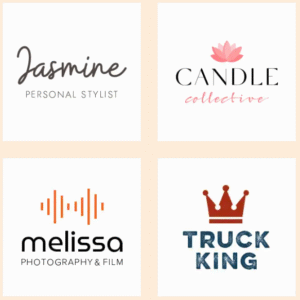
Design Examples
Quick Comparison Chart
| Feature | Design.com | Tailor Brands |
| Templates & Designs | 400K+ logos, 1M+ total templates | Limited template library |
| Speed | Generate logos and other designs in seconds | The multistep process makes creating designs slower |
| Design Quality | Professional-level logos created and ready to use | Lower quality logos based on stock icons |
| Number of designs | Generates thousands of relevant logo options |
Generates a small number of logo options |
| AI Tools | Logo editor, background remover, text/icon AI editing | AI logo generator only |
| Customization | Extensive colors, fonts, layouts, icons | Moderate mainly colors and fonts |
| File Formats | Vector & raster (SVG, EPS, PDF, PNG, JPG, GIF, MP4) | Raster only; vector on paid plans |
| Branding Tools | Website builder, business cards, social media, flyers, posters | Business cards, basic social media graphics |
| Print Integration | Business cards, mugs, apparel, and free delivery | Not available |
| Ease of Use | Beginner-friendly with professional options | Very beginner-friendly, less control |
| Pricing | Free tier,
Paid Plans: starting from $3 per/month |
$3.99–$49.99/month |
| Business Support | 24/7 support, multi-language, commercial safety guaranteed | Coaching program, invoicing & legal compliance depending on plan |
| Collaboration Tools | Polls, idea sharing, feedback from team/friends | Limited collaboration options |
Also Read: How to Create Nice-Looking Ads on Meta (Facebook & Instagram)
Final Verdict
Both platforms cater to different needs, but Design.com stands out as the better choice. Tailor Brands is good for users who want quick, simple logos with little effort. However, it cannot compete with the depth, variety, or professional quality of Design.com.
For businesses and individuals looking for professional, unique, and customizable branding, Design.com is the better option. Tailor Brands offers speed and simplicity, but for quality, flexibility, and creative control, Design.com is superior.
Start designing today with Design.com to create logos, invitations, and marketing materials that are professional and truly represent your brand identity.