At first, QuickBooks feels like enough. You can track purchases, monitor stock, send invoices, and keep the books in order without juggling too many moving parts. For a small business with a limited number of products, that setup often works well. But growth has a way of exposing every weak spot in your process.
A second warehouse opens. Sales begin coming in from multiple channels. Your purchasing becomes more complex. Your team starts asking for barcode scanning, better reorder alerts, or clearer visibility into what is actually available to sell. Before long, inventory becomes one of those quiet problems that slowly turns into a daily headache.
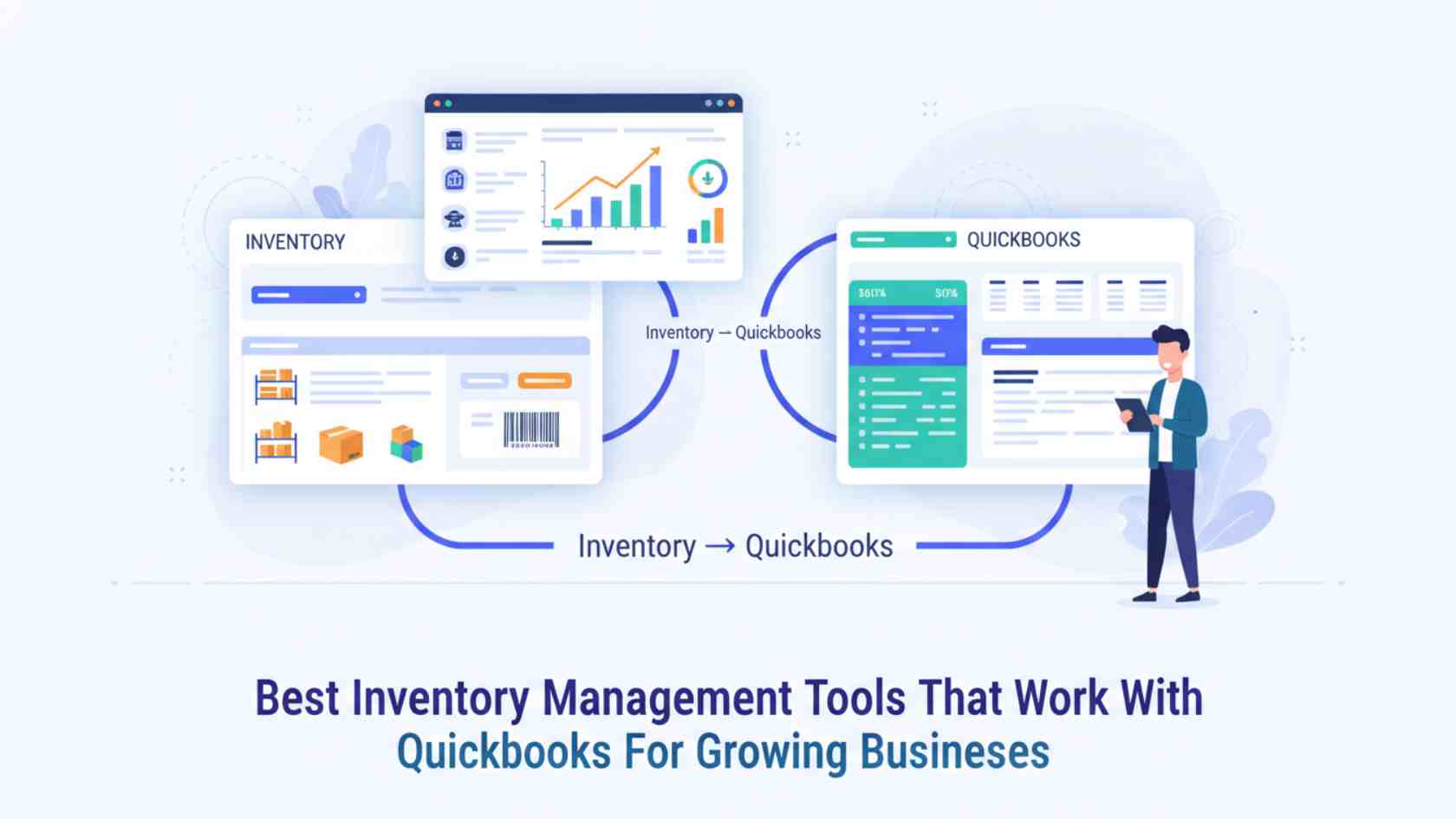
This is why, as they expand beyond QuickBooks’ built-in inventory features, more businesses start comparing the best inventory management tools that integrate with it—to address these growing pains, not just add software.
Of course, choosing an inventory tool brings its own challenge: there is no single “perfect” solution for every business. A wholesaler has different needs from a manufacturer. A multi-channel ecommerce brand operates differently from a field-service company. A small business selling finished goods does not need the same type of software as a workshop building products from raw materials.
So, rather than chasing the loudest brand name, it makes more sense to choose a system that fits how your business really works. This brings us to why growing businesses often move beyond QuickBooks’ native features.
Why Growing Businesses Move Beyond Native QuickBooks Inventory
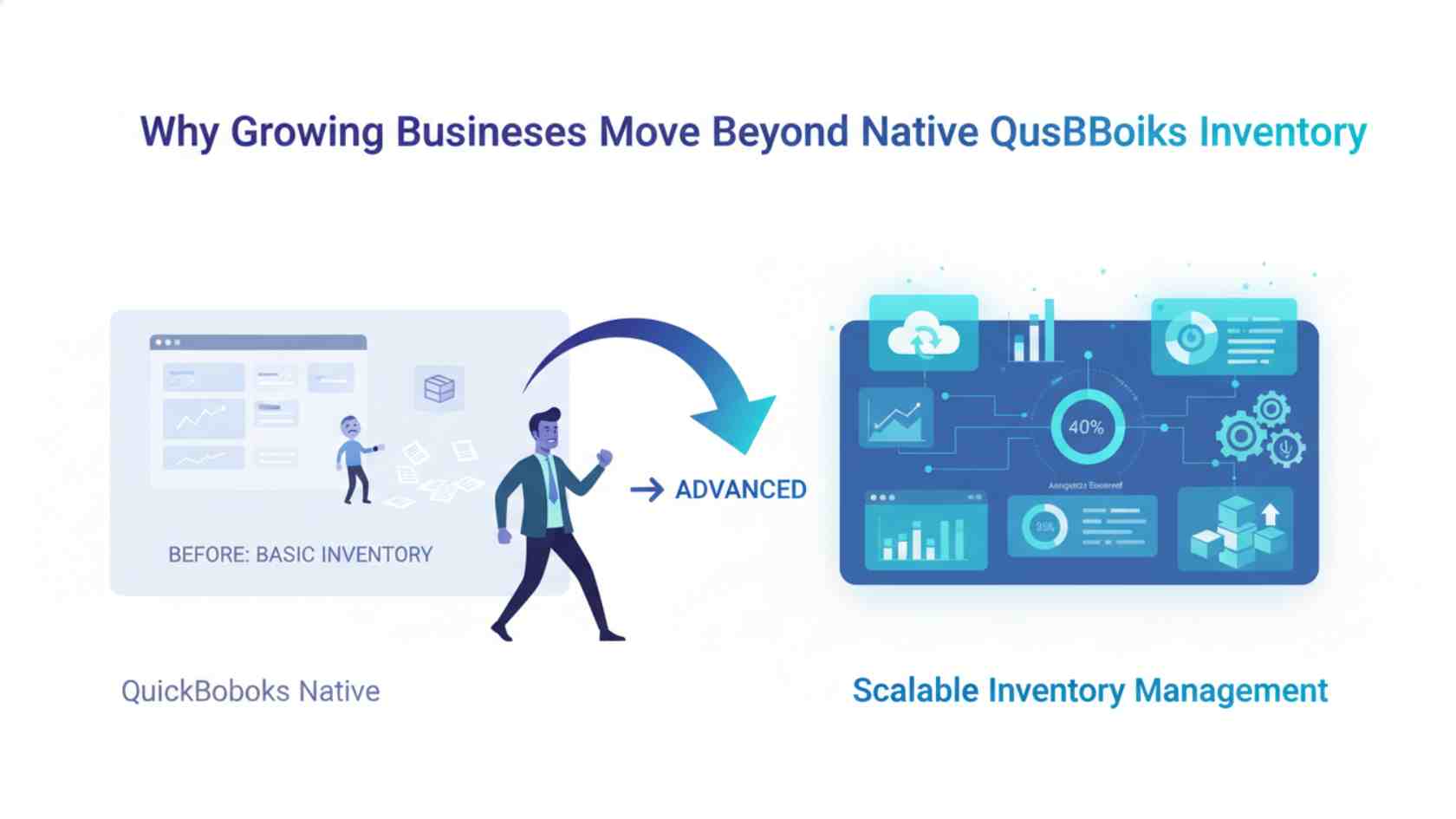
- You may not have enough visibility across multiple locations.
- You may need stronger purchasing controls.
- You may want to have inventory and sales channels sync automatically.
- You may need assemblies, kits, bills of materials, or production workflows.
- You may need better mobile access for warehouse teams or service technicians.
- At that point, inventory is no longer just an accounting line item.
It becomes an operational system that affects cash flow, customer experience, fulfillment speed, and even profitability. At this stage, dedicated inventory software earns its place, providing the capabilities that basic tools cannot.
What the Best Inventory Platform Should Actually Do
When businesses compare software, they often get distracted by long feature lists. A tool can sound impressive in a demo and still be completely wrong for your business’s realities.
- Where is the stock located right now?
- What needs to be reordered soon?
- Which products are tied up in open orders?
- What materials are needed for production?
- Which sales channels are affecting stock levels in real time?
- What is the actual cost of fulfilling this order or building this product?
The best inventory management tools that work with QuickBooks make those answers easier to find. They reduce duplicate entries, improve visibility, and help teams spend less time correcting errors after the fact.
A Better Way to Evaluate Your Options
That is why choosing inventory software is rarely about finding the “best overall” tool. It is about finding the tool that solves the right problems for your team.
Top Inventory Tools Worth Considering
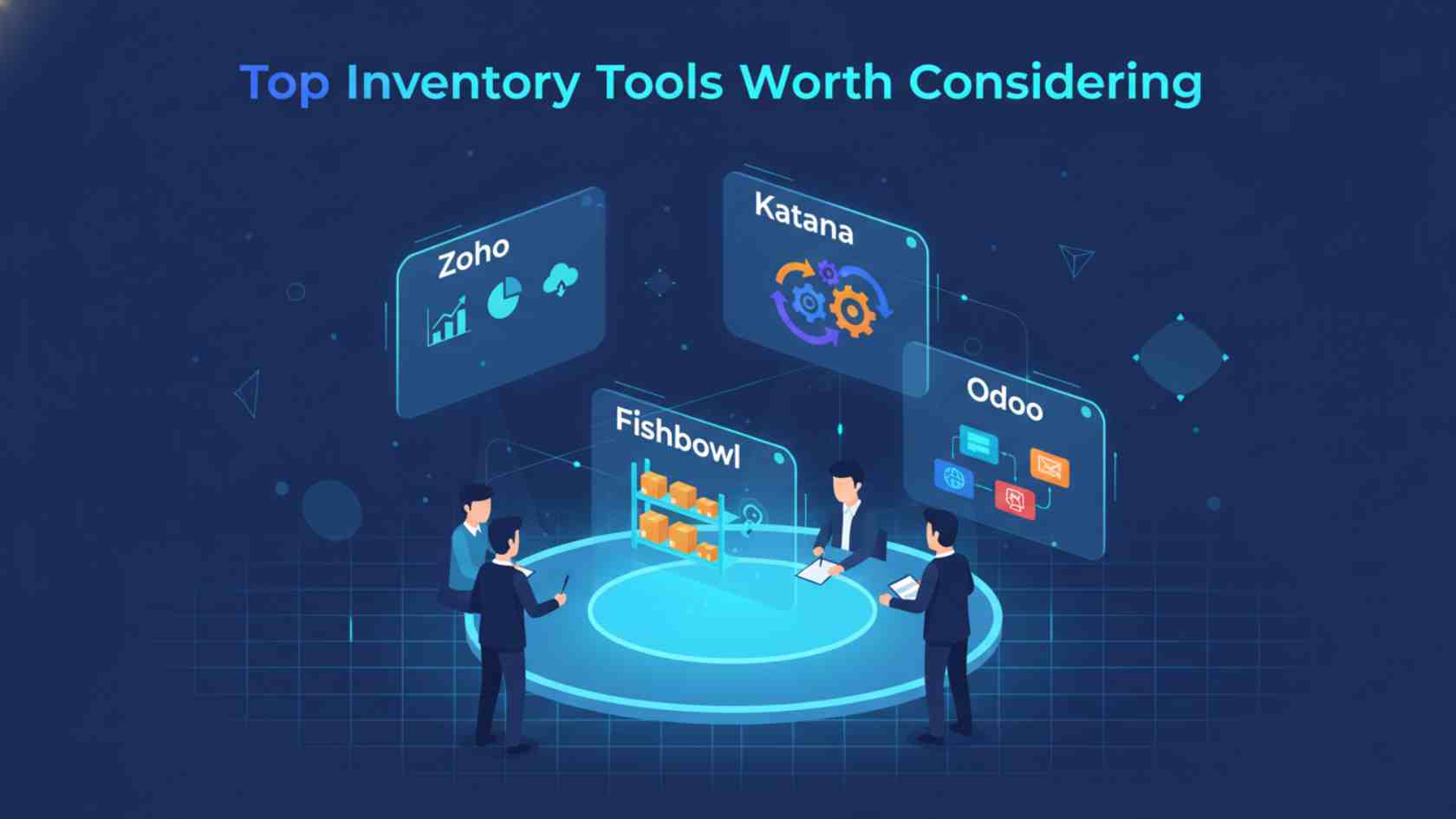
Zoho Inventory: Best for Balanced Growth
Zoho Inventory continues to appeal to businesses that want a practical middle ground between simplicity and capability. It is often a strong fit for small and mid-sized businesses that need better control over inventory, orders, shipping, and channel sync without excessive system complexity. For companies selling across ecommerce platforms, marketplaces, and direct channels, that balance matters.
One reason Zoho stands out is that it tends to be easier to adopt than some heavier competitors. You get meaningful upgrades over native QuickBooks inventory without overwhelming your team with unnecessary complexity. For many businesses, that alone makes it a serious contender.
Katana: Best for Manufacturers That Need More Than Stock Counts
If you make what you sell, you already know that inventory is not just about finished goods. You need to understand what raw materials you have, what is tied up in production, what is scheduled next, and how every step affects your costs. Katana is built for that kind of environment.
It is useful for small and growing manufacturers that want production visibility alongside inventory control. Instead of just showing available quantities, it connects purchasing, production, and stock planning in a way that suits manufacturing businesses. For businesses with bills of materials and shop-floor complexity, that makes a big difference.
Cin7 Core: Best for Multi-Channel Selling
Selling in one place is easy. Selling everywhere is where things get messy. Cin7 Core is built for businesses managing multiple channels, like ecommerce, wholesale, or retail. If inventory moves quickly and orders come from different directions, visibility is essential.
Cin7 Core is typically a strong fit for growing commerce brands that have moved beyond basic tools and need tighter operational control. It is not the lightest option on the market, but for businesses scaling aggressively, that added depth can be worth it.
Fishbowl: Best for Complex Operational Control
Fishbowl tends to make sense when inventory has become central to the business, not just supportive of it. Companies with warehouse-heavy workflows, manufacturing requirements, or more advanced inventory management often turn to Fishbowl for structure and control.
It is not always the simplest platform to implement, but it can be a strong choice for businesses that need more discipline in how inventory is received, stored, assembled, and fulfilled. In other words, Fishbowl is often less about convenience and more about operational maturity.
inFlow Inventory: Best for Simplicity and Everyday Usability
Some teams do not need a massive, complex system. They just need a tool that makes inventory easier to manage and more trustworthy. That is where inFlow often earns its place.
It is a good option for smaller wholesalers, distributors, and product businesses wanting better visibility without a heavyweight rollout. Ease of use matters more than many buyers realize. If your team avoids the software, even the best features become irrelevant. InFlow is appealing because it tends to keep things usable while still offering meaningful functionality.
Odoo: Best for Flexibility
Odoo is a different kind of choice. It can be a smart option for businesses that want broader customization and a platform that extends beyond inventory into other operational areas. If your business is thinking beyond stock management and toward a more connected business system, Odoo can be very compelling. That said, flexibility usually comes with added setup demands.
Businesses considering Odoo should be honest about their internal resources, technical comfort, and appetite for customization. It is powerful, but it is not the same kind of experience as a plug-and-play inventory app.
SOS Inventory: Best for Businesses Deep in the QuickBooks Ecosystem
Some businesses do not want to move too far away from the QuickBooks environment they already know. That is why SOS Inventory often appeals to users who want stronger inventory capabilities while staying close to QuickBooks.
It can be a practical step up for businesses that need better assembly handling, order management, and multi-location workflows without switching to a completely different operating style. For the right company, that familiarity can reduce friction during implementation and day-to-day adoption.
Specialized Tools for Contractors and Field Teams
Not every business stores inventory in neat rows inside a warehouse. For contractors, service companies, and field teams, inventory may be stored in vans, at job sites, in temporary storage, or in technician stockrooms. That changes everything. A system designed for retail or standard warehousing may technically “work,” but it may still feel frustrating in the real world.
This is where specialization matters. If your business runs on job costing, mobile workflows, and service calls, the best inventory management tools for QuickBooks may not be the most popular retail platforms. They may be tools built specifically for field operations. That distinction is important because the wrong fit creates daily friction, even if the software looks impressive on paper.
How to Choose the Right Tool for Your Business

- Do you need better warehouse management, or better field inventory tracking?
- Are you solving for manufacturing complexity, or for multi-channel order flow?
- Does your team need advanced functionality, or do they need cleaner, easier workflows?
- Will this platform reduce manual work, or simply replace one type of busywork with another?
These questions matter more than feature overload. The truth is that many businesses do not fail because they chose “bad” software. They struggle because they chose software designed for someone else’s business model.
Common Mistakes to Avoid
One common mistake is waiting too long to upgrade. By the time inventory issues become impossible to ignore, the business may already be dealing with costly inefficiencies, inaccurate counts, fulfillment delays, or poor purchasing decisions.
Another mistake is overbuying. Some businesses jump into a large system with far more functionality than they actually need. The result is often slow adoption, expensive implementation, and a team that only uses a fraction of the platform.
Then there is the assumption that every QuickBooks integration works the same way. It does not. Some tools sync beautifully. Others require extra effort, extra apps, or extra patience. That is why evaluating workflow fit matters just as much as checking the integration box.
Also Read: The Best ERP Systems for 2025: A Comprehensive Guide for Companies
Key Takeaways: Choosing the Best QuickBooks Inventory Tool for Your Next Stage of Growth
The right inventory software should make your business calmer, not more complicated. It should help your team trust the numbers, move faster, buy smarter, and spend less time fixing preventable mistakes. For some businesses, that means choosing a balanced platform like Zoho Inventory.
For others, it means leaning into manufacturing tools like Katana or Fishbowl, multi-channel systems like Cin7 Core, or simpler options like inFlow. What matters most is choosing a platform that aligns with how your business buys, stores, builds, sells, and fulfills.