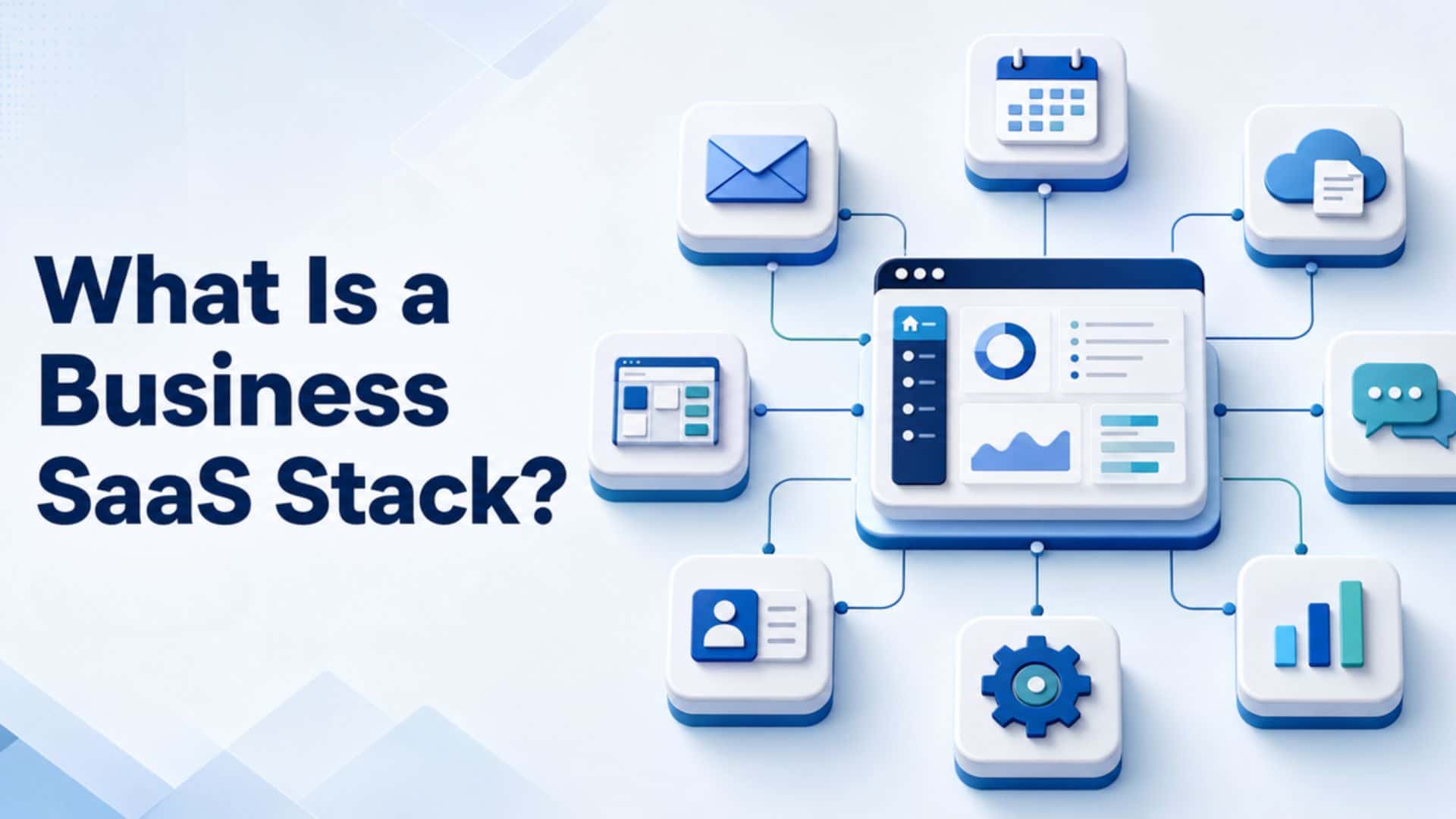
A growing business rarely runs on one application. Email, project management, customer records, design, support, and reporting often live in separate cloud tools. Together, those tools form the company’s business SaaS stack.
The stack can make work easier when every application has a clear job. When it grows without oversight, it can produce duplicate subscriptions, scattered information, and confusing workflows. This guide explains the concept and offers a practical way to organize it.
Quick Answer: What Is a Business SaaS Stack?
In short: A business SaaS stack is a working system — each tool has a purpose, an owner, defined users, and a place in the company’s workflow.
What SaaS Means
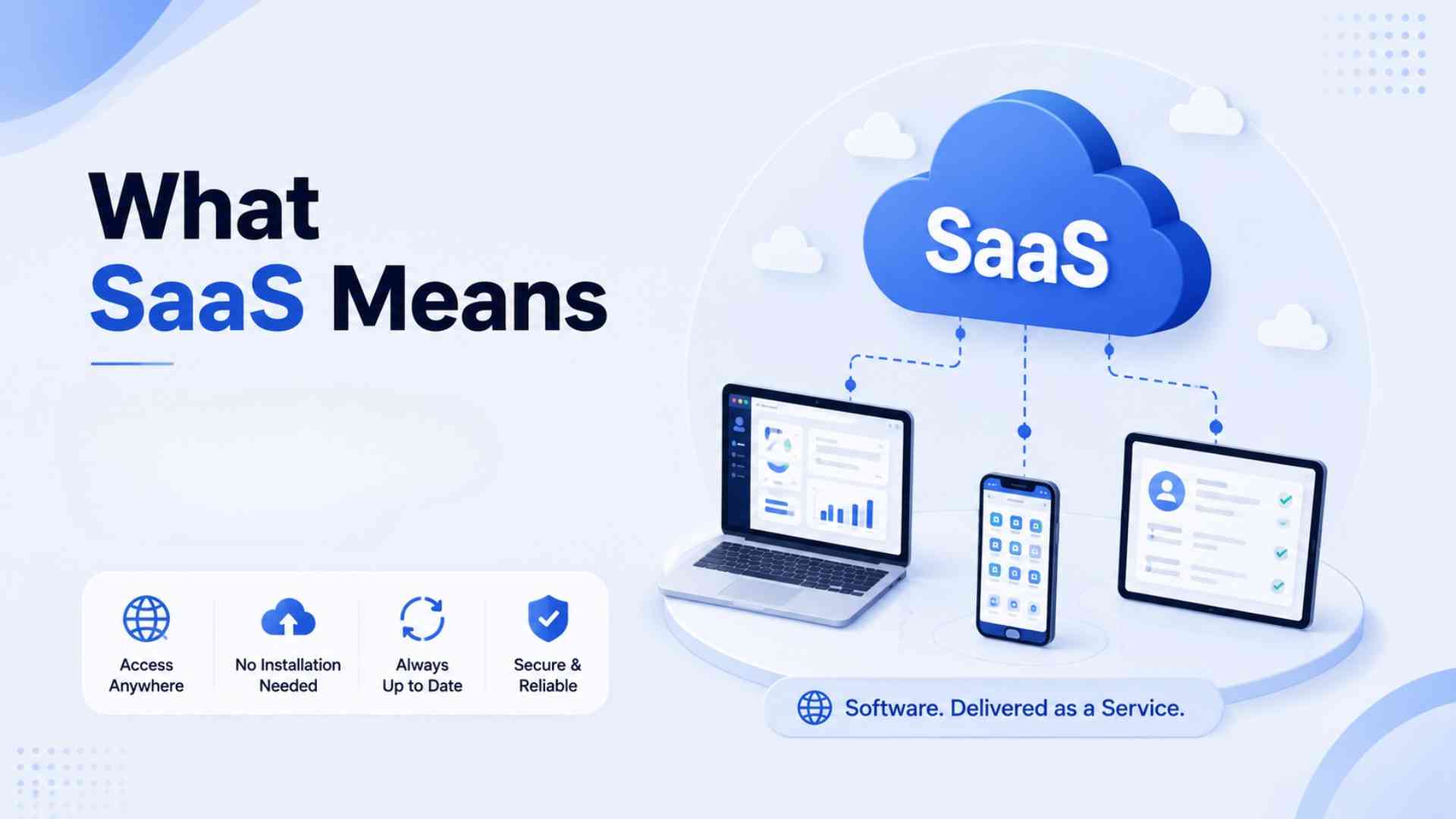
SaaS stands for Software as a Service. Under NIST’s definition of Software as a Service, users access a provider’s cloud-hosted application while the provider manages the underlying infrastructure. In practical terms, employees usually sign in through a browser or app instead of maintaining the entire system on company-owned servers.
A business SaaS stack may include email, cloud storage, team chat, project management, a CRM, customer support, design software, analytics, or workflow automation. The exact combination depends on how the business operates.
Business SaaS Stack vs. SaaS Technology Stack
These terms sound similar but answer different questions. A business stack supports day-to-day operations. A technology stack contains the languages, frameworks, databases, hosting, and development tools used to build a software product.
| Term | Main purpose | Typical users |
| Business SaaS stack | Run sales, marketing, collaboration, support, and operations | Employees, managers, and department leads |
| SaaS technology stack | Build, host, test, and maintain a SaaS product | Developers, engineers, and technical teams |
The XtraSaaS Five-Layer Stack Model
A flat app list does not show how work happens. The XtraSaaS Five-Layer Stack Model groups tools by the role they play, making gaps and unnecessary overlap easier to see.
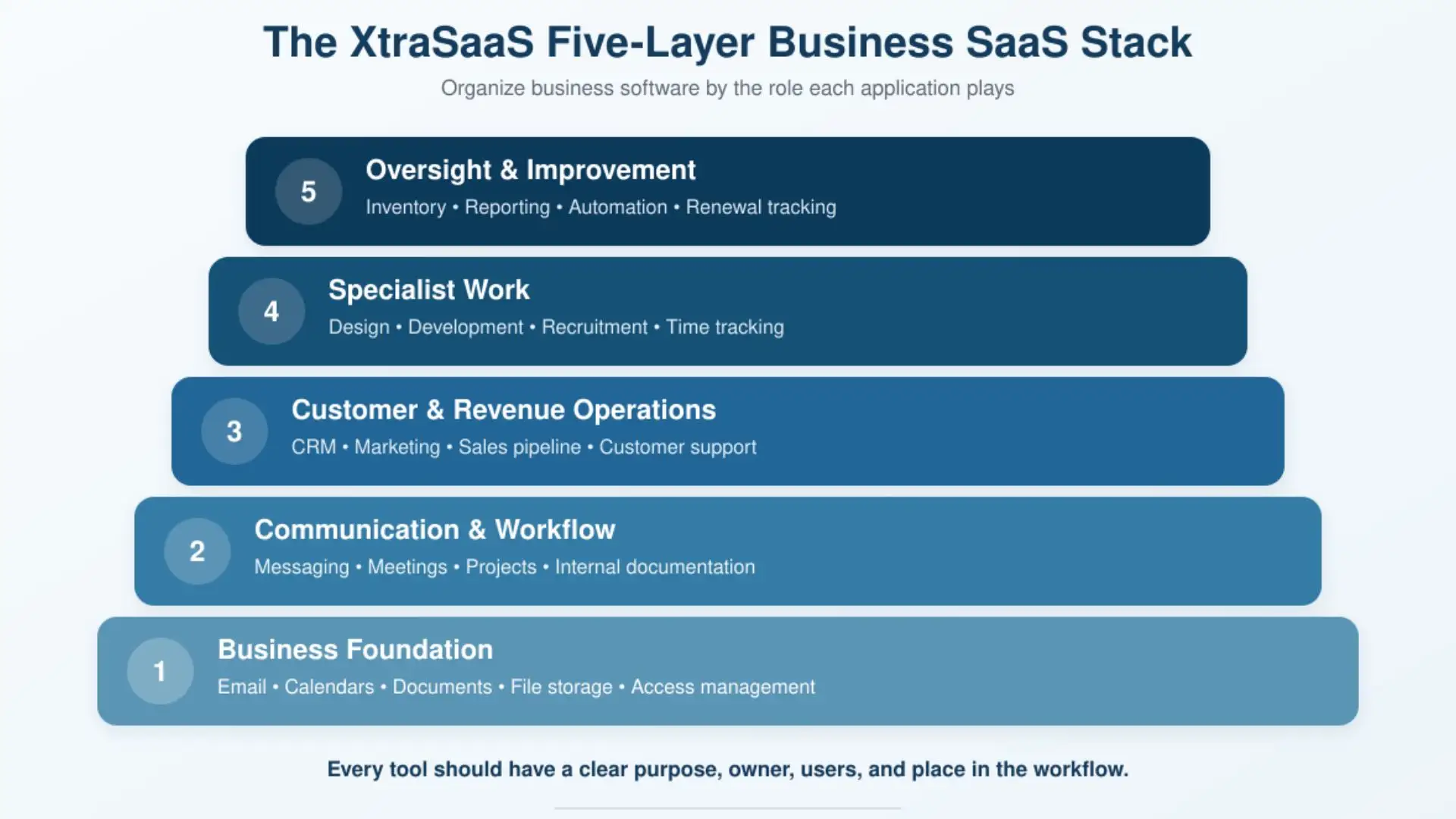
| Layer | Role | Common categories |
| 1. Foundation | Supports company-wide work | Email, calendars, documents, file storage |
| 2. Workflow | Moves work between people | Messaging, meetings, projects, internal documentation |
| 3. Customer | Supports the customer journey | CRM, marketing, scheduling, support, feedback |
| 4. Specialist | Enables role-specific work | Design, development, recruiting, time tracking |
| 5. Oversight | Makes the stack visible and manageable | Inventory, reporting, automation, renewal tracking |
One application can cover more than one layer. A project platform, for example, may also handle documentation, forms, and basic reporting. The model describes business roles, not a rule requiring a separate product for each one.
A Simple Example
Consider a hypothetical 15-person marketing agency. Everyone uses a productivity suite for email and documents, while the delivery team uses one project platform. Sales keeps the primary customer record in a CRM. Designers have a specialist creative tool, account managers use a support inbox, and the operations manager maintains the application inventory and renewal calendar.
That arrangement may involve several products, but each has a defined place. Its goal is the simplest set of tools shaped by its own actual work, not a copy of another company’s stack or a fixed app count.
What Makes a SaaS Stack Effective?
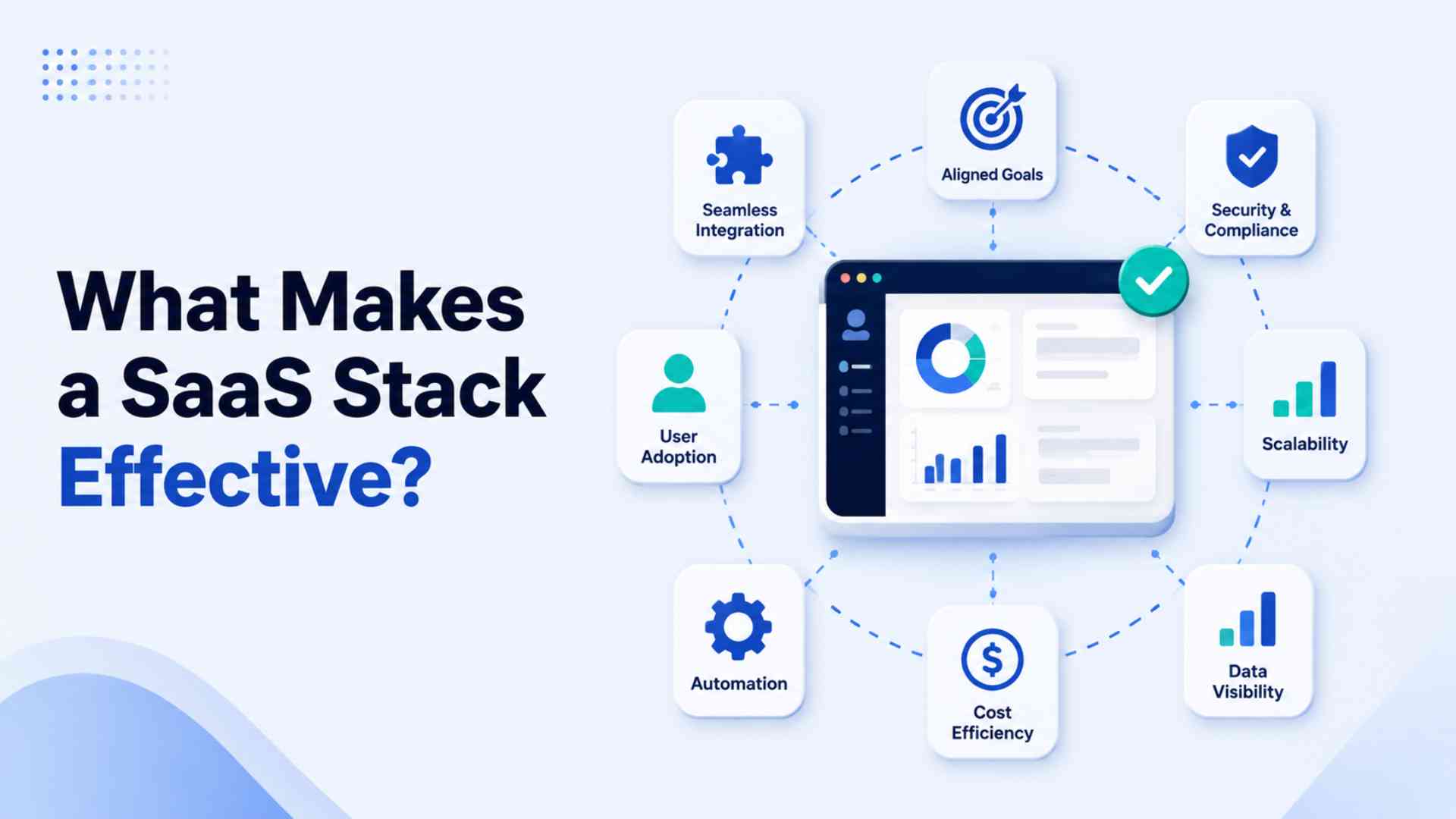
Clear purpose and ownership
Employees should be able to explain why a tool exists and which process it supports. Each important application also needs an accountable owner who understands its users, plan, documentation, and renewal date.
A defined source of truth
The team should know where the current record lives. The CRM might hold customer information, the project platform might hold task status, and cloud storage might hold approved deliverables. Integrations can copy data elsewhere without changing the primary source.
Visibility and review
A company should be able to produce a current list of its applications, owners, users, purposes, and renewal dates. Microsoft’s application-inventory guidance similarly emphasizes the value of a centralized view of SaaS applications. Visibility makes informed review possible — deciding what to keep, merge or retire.
Access that matches real roles
New employees do not automatically need every application in the company. Assign access based on genuine job responsibilities rather than blanket access to every tool. Explain why each application is used during onboarding, and review accounts whenever someone changes roles or leaves.
How to Build or Improve Your Stack
- Map the work first. List the processes that keep the business running, including customer communication, delivery, approvals, recordkeeping, and support. Start with needs, not product features.
- Create an inventory. Record each application’s purpose, owner, users, plan, renewal date, main data, and integrations. Include free tools and department-level subscriptions, not only centrally purchased software.
- Name the primary system. For each important process, decide which application contains the authoritative record. This reduces duplicate entry and arguments about where the latest information belongs.
- Apply the CLEAR check. Review each tool for Clear purpose, Level of use, Ecosystem fit, Accountable owner, and Replaceability. A weak result is a signal to look closer before deciding whether to keep, change or cancel the tool.
- Document and review. Explain how information moves between tools, then review the stack before renewals and after major changes in team structure or workflow.
Signs Your Stack Needs Attention
A few repeated warning signs can indicate SaaS sprawl: employees use different tools for the same task, subscriptions renew unexpectedly, no one owns an application, or teams re-enter the same information across systems. Other clues include unused accounts and private spreadsheets created because the official workflow is unclear.
A single warning sign is worth investigating on its own — recurring friction across several signs is the real signal.
Frequently Asked Questions
How many tools should a business SaaS stack contain?
There is no ideal number. A suitable stack contains enough applications to support real business processes without unnecessary duplication or complexity.
Does every business have a SaaS stack?
Any business using several cloud applications effectively has one, even if it has never documented the collection as a stack.
Can one application cover several layers?
Yes. What matters is whether its roles are clear and the features adequately support the team’s workflow.
Who should manage the stack?
Central responsibility often sits with operations or IT, depending on the company. Individual applications should still have owners who understand why and how they are used.
Final Thoughts
A business SaaS stack is the connected software environment through which a team communicates, completes work, and maintains records. What actually defines a good stack is clear purposes, accountable owners, understandable workflows and regular review.
Start by mapping core processes and creating an honest inventory. Then use the five-layer model and CLEAR check to find gaps, overlap, and ownership problems. That turns an accidental collection of subscriptions into a manageable operating system for the business.