
Consider a 60-person marketing agency. The strategy team plans campaigns in Asana, account managers track the same work in Monday.com, and designers receive requests through Trello. When a deadline changes, two boards are updated but the third is not. Nobody is sure which record is final, yet all three subscriptions continue to renew.
That is SaaS sprawl: cloud applications accumulate faster than a business can track, govern and evaluate them. The problem is the confusion, duplicated effort and unmanaged access that appear when each app lacks a clear purpose and owner.
What Is SaaS Sprawl?
IBM defines SaaS sprawl as the unchecked proliferation of software-as-a-service products within an organisation. Because SaaS tools can be adopted through a browser, free trial or company card, a team may start using one before it enters an official software inventory.
The scale can be substantial. Okta’s Businesses at Work 2025 report found that its customers used an average of 101 applications, while Productiv reported that 48% of enterprise applications were unmanaged in 2024. Zylo’s 2026 SaaS Management Index, based on a large-enterprise dataset, reported an average portfolio of 305 applications and annual SaaS spending of $55.7 million. The studies cover different customer groups, so the figures are not directly comparable, but each shows why visibility matters.
Sprawl begins when an organisation cannot answer basic questions: Which tools are active? Who approved them? What data do they hold? Who can access them? When do they renew?
SaaS Sprawl and Shadow IT Are Not the Same
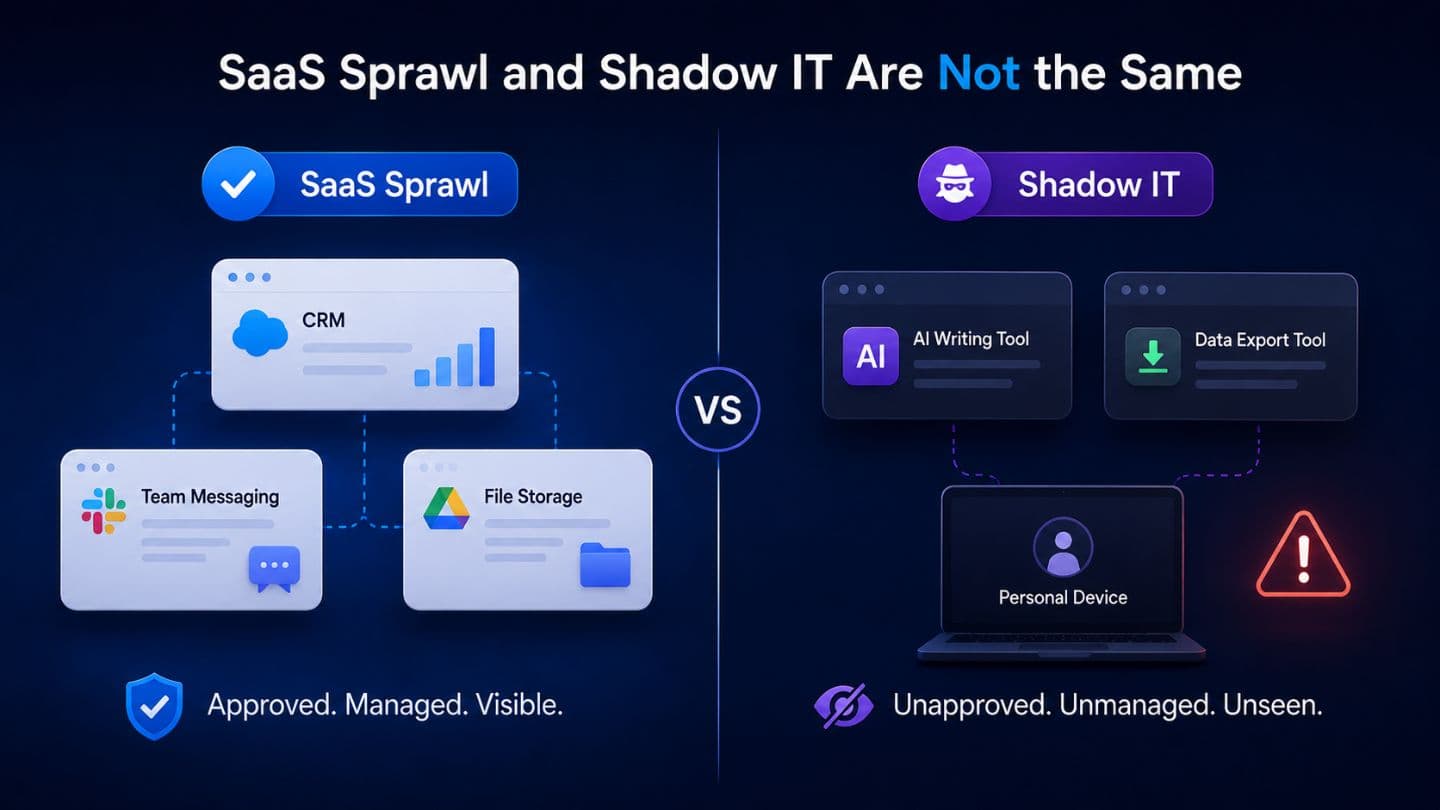
Shadow IT describes technology used without the knowledge or approval of the responsible IT or security team. SaaS sprawl is broader. It includes unapproved apps and approved tools that have become redundant, underused or poorly managed.
For example, finance and operations might each purchase a legitimate e-signature platform. Neither purchase is hidden, yet the company is paying twice for similar capabilities. Microsoft recommends discovering the cloud apps in use, assessing their risk and defining controls for sanctioned and unsanctioned services.
Why SaaS Sprawl Develops
Most sprawl starts with a reasonable decision. A department needs to solve a problem quickly, so it chooses a tool without waiting for a company-wide review. Later, another team makes a similar choice with different software.
Free trials lower the barrier further. An employee can connect a work email, calendar or storage account in minutes, without realising that the app may retain company data or request broad permissions.
Short-term projects create another blind spot. A platform purchased for an event, migration or campaign may remain active after the work ends. If the employee who introduced it leaves, ownership can disappear.
Remote teams also depend on cloud services for communication, documents, approvals and delivery, so the software environment may change faster than an annual review can capture.
8 Signs Your Team Is Using Too Many SaaS Tools
1. People Disagree About the Official Tool
Ask employees where they should store a final document or manage a project. Several confident but different answers usually point to unclear standards rather than healthy choice.
2. Different Apps Perform the Same Job
Some overlap is justified when specialist teams need advanced features. The warning sign is paying for similar task-management, scheduling or file-sharing tools without a documented reason for keeping each one.
3. No One Can Produce a Complete Inventory
A reliable inventory should show every app’s purpose, owner, users, cost, renewal date and data access. If the answer is spread across expense reports, browser accounts and spreadsheets, the organisation lacks full visibility.
4. Renewals Arrive as Surprises
Unexpected charges, duplicate subscriptions and licences still assigned to former employees indicate that software is being renewed without an active decision.
5. Employees Re-enter the Same Data
A sales update copied into a CRM, project board and spreadsheet is a fragile workaround. Repeated manual entry creates inconsistent records and makes reporting harder to trust.
6. Important Information Is Difficult to Find
Contracts sit in one service, feedback in another, and final decisions are buried in chat. Employees then rely on colleagues’ memory because no system serves as a dependable source of truth.
7. Access Survives Role Changes or Departures
An app missing from the central identity process can retain old accounts and excessive permissions. NIST’s principle of least privilege recommends giving users only the access needed for assigned tasks, a useful standard for reviewing SaaS roles.
8. Manual Workarounds Have Become Normal
Frequent exports, copy-and-paste routines and homemade spreadsheets used to connect apps are signs that the stack is working against the workflow. The same pattern across several teams deserves investigation.
Why SaaS Sprawl Becomes a Business Problem
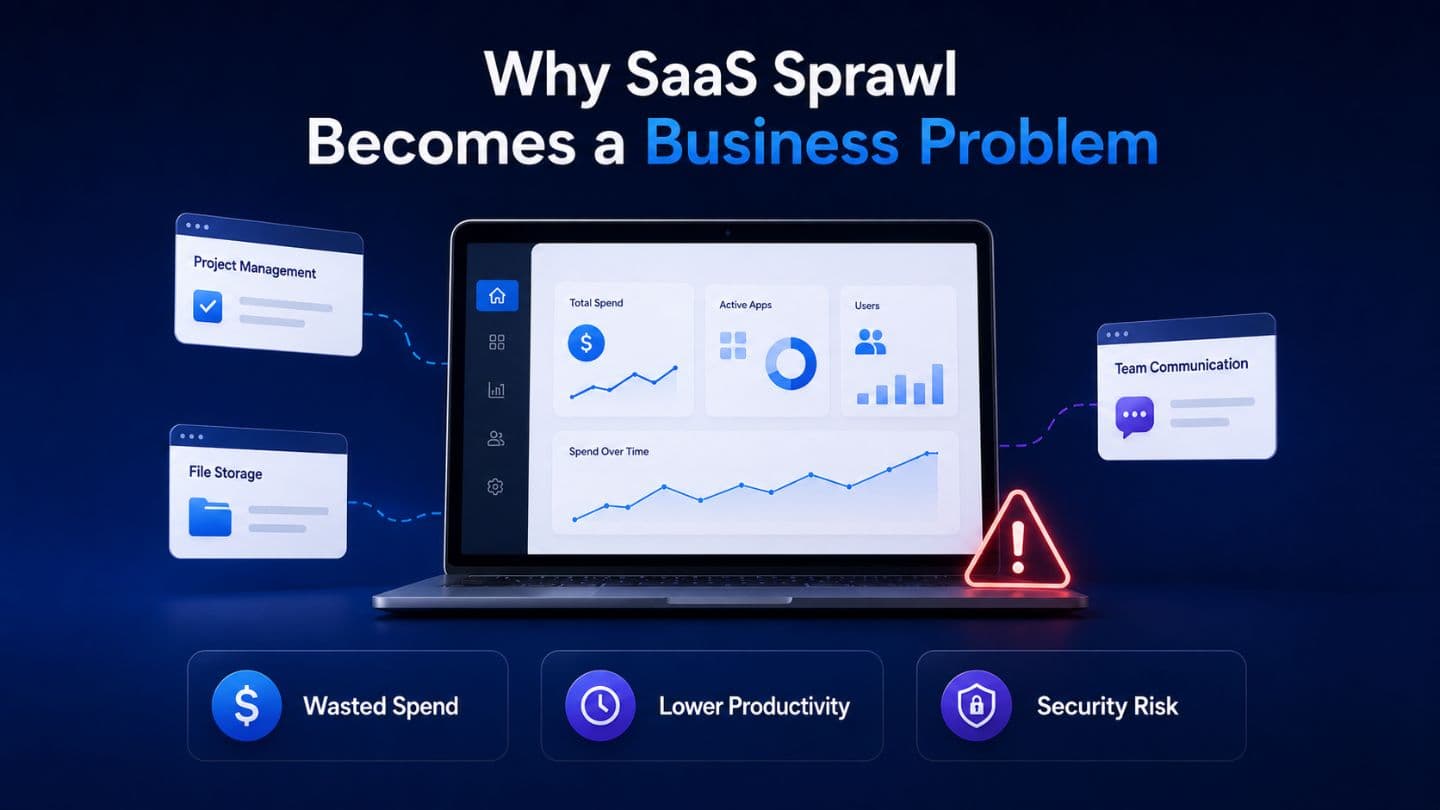
The most visible cost is wasted spend, but the operational cost may be larger. Each additional platform brings another login, notification stream, training requirement and place to search. Staff can spend more time moving information than acting on it.
Fragmented tools also fragment data. Customer details, project status and approvals can differ between systems, weakening reports and slowing decisions. During offboarding, poor visibility makes it difficult to remove every account or recover files created under individual credentials.
Security risk grows in the same quiet way. Every app introduces permissions, integrations and stored information that need review. A small tool connected to a company drive may have more access than its purpose suggests.
How to Audit and Reduce SaaS Sprawl
Start with discovery, not cancellation. Build a register containing the application name, purpose, department, owner, user count, cost, renewal date, authentication method, integrations, data type and last confirmed use. Accounting records, company cards, identity logs and department managers reveal different parts.
Review each tool against four questions: Does it support a current business outcome? Is someone accountable for it? Are its permissions appropriate? Is usage strong enough to justify the cost and complexity?
Tools that fail several checks can be consolidated, downgraded or retired. Before cancellation, confirm how data will be exported, whether integrations will break and which team depends on the service. Removing software without understanding the workflow can create another problem.
Prevention requires a lightweight process, not a blanket ban. Maintain an approved-app directory, assign an owner at purchase and schedule a review before renewal. A low-risk productivity app may need a basic check; software that stores customer information or connects to core systems deserves deeper security and reliability review.
Onboarding and offboarding should use role-based access wherever possible. Application owners should also review permissions when an employee changes role, a project ends or an integration is no longer required.
Also Read: What Modern SaaS Founders Can Learn from Legacy Platforms
The Goal Is a Deliberate Software Stack
SaaS sprawl is rarely caused by one bad purchase. It is the accumulated result of local decisions made without a shared view.
A useful SaaS programme does not force every department into the same tool or chase the lowest possible app count. It provides enough evidence to keep software that delivers value, challenge unnecessary overlap and remove access when it is no longer needed. The outcome is not merely a smaller stack. It is a clearer one.
Frequently Asked Questions
What does SaaS sprawl mean?
SaaS sprawl is the uncontrolled or poorly managed growth of cloud applications within an organisation. Common symptoms include overlapping tools, unused subscriptions, fragmented data and unclear ownership.
How many SaaS applications are too many?
There is no universal limit. The number becomes a problem when the organisation cannot reliably manage costs, permissions, data, integrations, renewals and business purpose.
How often should SaaS applications be reviewed?
Paid tools should be reviewed before renewal. A broader quarterly or twice-yearly portfolio review suits organisations that adopt software frequently.
Can SaaS sprawl be reduced without blocking employees?
Yes. Clear approved-tool guidance, risk-based reviews and visible ownership work better than a restrictive process that encourages employees to adopt tools quietly.