The OCA0188 Error is a common issue many people see while using internet calling services. The name looks strange, but the problem is simple. This error only means your VoIP or internet phone cannot connect properly. It is a fundamental registration problem. With the proper steps, you can fix it easily.
This comprehensive guide explains what the error is, why it occurs, and how you can fix it at home. All sentences are short and straightforward so that everyone can understand them without difficulty.
What is The OCA0188 Error?
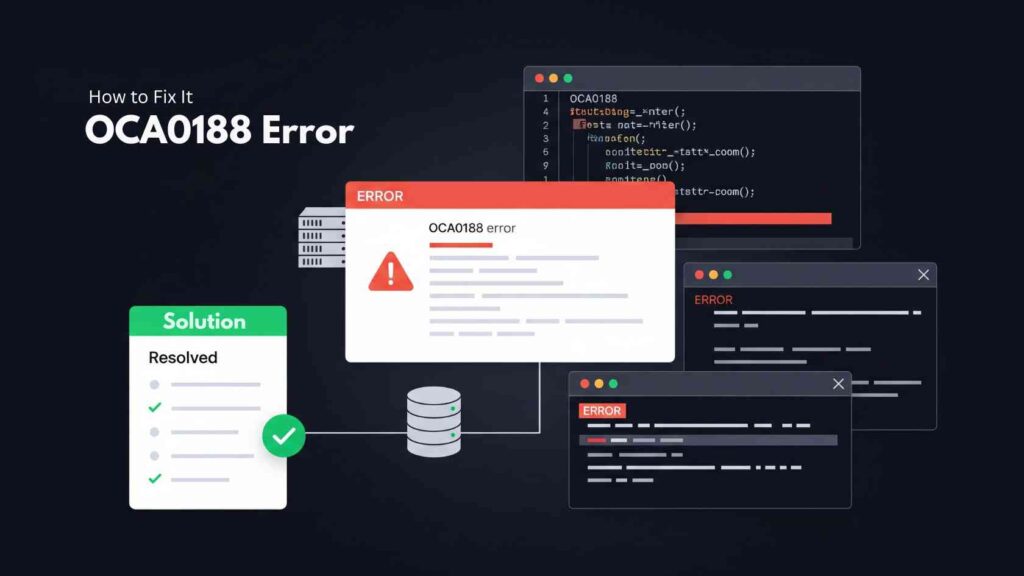
The OCA0188 error occurs when your device attempts to connect to the VoIP server but fails to do so. Your phone or app sends a request, but the server does not accept it. This breaks the connection and shows the OCA0188 code.
Meaning of the Error
In simple words, the meaning is:
“Your VoIP device is not registering on the server.”
It is like trying to log in somewhere, but the door won’t open. The device keeps trying, but something blocks it.
When and Where It Happens
You may see this error on:
- Home VoIP phones
- Office VoIP systems
- SIP mobile apps
- NBN phone services
- Internet calling software
- Digital phone adapters
It appears when the device is turning on, trying to register, or making the first connection after a reset.
Why Providers Show This Error
Your call service provider shows this error because their system cannot verify your account. The device and the server must “shake hands.” If the handshake fails, the OCA 0188 signal appears. This protects the system from wrong setups or blocked access.
Also Read: Reducing Errors and Increasing Efficiency in Business Processes
Common Causes of OCA0188 Error

This error can appear for many small reasons. Here are the most common ones, explained very simply.
1. Unstable or Slow Internet
VoIP depends entirely on the Internet. If your internet drops, your device disconnects. When it tries to reconnect and fails, the OCA 0188 error appears.
2. Wrong VoIP or SIP Settings
If your SIP username, password, or server name is wrong, the device cannot register. One single typing mistake is enough to create this error.
3. Router Firewall or SIP-ALG Blocking
Many routers have SIP-ALG turned on by default—these characteristic differences between VoIP records and split calls. Firewalls can block VoIP ports, too. Both cause registration failure and show the OCA0188 error.
4. Service Not Fully Activated
Sometimes the provider sets up your account but does not complete activation. The device keeps trying to connect, but the server says “not ready.” Then the OCA0188 error appears.
5. Unverified Machines or Old Hardware
Not all routers, calls, or VoIP apps adopt all suppliers. Old firmware or unsupported devices can cause this error repeatedly.
How to Fix OCA0188 Error (Proven Solutions)
Here are the best ways to fix this problem. You can follow these steps one by one. Most people solve it with only 2–3 steps.
Quick Fix Table
| Fix | What It Does |
| Restart the modem & the VoIP device | Refreshes the system and clears errors |
| Check SIP details | Fixes wrong login info |
| Disable SIP-ALG | Stops the router from breaking VoIP data |
| Use a wired connection | Gives a strong, stable link |
| Update firmware | Removes bugs and adds support |
| Ask the provider to activate the service | Fixes provisioning issues |
1. Restart the Modem and the VoIP Device
- Turn off both devices.
- Wait 20–30 seconds.
- Turn them back on.
This clears the old cache and forces a fresh connection. These easy solutions are numerous examples of OCA0188.
2. Verify Your SIP Certificates
Make sure:
- SIP username is modified
- SIP PIN is suitable
- The attendant’s address is accurate.
- Port number pairs worker’s instructions
One incorrect digit can block registration.
3. Deactivate SIP-ALG
- Turn to router settings.
- Find SIP-ALG.
- Please turn it OFF.
SIP-ALG often alters VoIP traffic and disrupts registration. Turning it off helps VoIP work cleanly.
4. Use a Wired Connection
- VoIP devices work best with an Ethernet cable.
- Wi-Fi can drop signals and cause errors repeatedly.
- Plug the device directly into the router for a stable link.
5. Update Router or VoIP Firmware
- Old firmware has bugs that block VoIP traffic.
- Install the latest update from your device menu.
- Restart after updating.
This step removes many hidden issues.
6. Ask Provider to Activate or Provision Your Service
Sometimes the issue is not in your home. It is on the provider’s side.
Call your service provider and say:
“Please check my service. My device is not registering. I am getting the OCA0188 error.”
They can activate, refresh, or re-provision your account.
How to Prevent the OCA 0188 Error in the Future

You can prevent this error from recurring by adopting some simple habits.
1. Meet Internet Requirements
Make sure your Internet is:
- Stable
- Not overloaded
- Fast enough for VoIP
- Low in delay
VoIP requires a stable internet connection to remain registered.
2. Help Excellent Router Settings
Maintain these settings, prepare:
- SIP-ALG: ROTTEN
- VoIP ports: OPEN
- Quality of service: Continuously for VoIP machines
- Firewall: Not stopping SIP
These tiny pieces of information make a significant difference.
3. Understand Helpful VoIP Setup Methods
Set your VoIP method close to the router.
- Prevent weak Wi-Fi spots.
- Use good-quality cables.
- Restart the router occasionally.
- Simple habits can avoid future errors.
4. Enjoy Cloud-Based VoIP if Feasible
- Confused VoIP techniques update repeatedly.
- They manage countless settings on their end.
- This decreases mistakes like OCA0188.
When to Call Technical Support
Some cases need expert help. If you followed the steps and the error persists, call support.
What to Tell Them
Share:
- Device model
- Router model
- When the error started
- What steps have you already tried?
This helps them diagnose faster.
How the OCA0188 Problem Is Explained

Say something straightforward, such as:
Neither my VoIP device nor my phone is registering. The OCA 0188 error is displayed repeatedly. Please check both the server connection and my account.
This makes your problem very clear.
Questions You Should Ask
- Is my service fully activated?
- Are my SIP details correct?
- Are any ports blocked?
- Can you reset my registration?
- Is the issue on your server?
These questions speed up the solution.
Also Read: 127.0.0.1:62893 – The Ultimate Guide to Localhost Testing and Development
Conclusion: Is This Mistake Serious?
No, there is nothing serious about the OCA0188 error.
It’s a minor connection issue, but it looks weird. Most of the time, the problem is temporary. It goes away with simple fixes like restarting the device, checking SIP settings, or turning off SIP-ALG.
If the issue is on the provider side, they can fix it quickly after a short check. So do not stress. Just follow the steps in this guide. Your VoIP service will start working again.
FAQs
OCA0188: What does it mean?
It signifies that a linking or situation issue is preventing you from recording with the VoIP waitron.
Do VoIP & NBN mobiles typically possess OCA0188?
Absolutely, this mistake is typical in VoIP, SIP, and after that, NBN numerical telephone services.
Can SIP-ALG cause OCA 0188?
Yes, SIP-ALG changes VoIP data and causes many registration errors.
How do I disable SIP-ALG?
Open your router’s settings and disable SIP-ALG.
Do I need to contact my VoIP provider?
Suppose the problem continues after basic steps, yes. Call your provider for provisioning checks.