
Most “best AI presentation maker” round-ups feel generic, ignoring the brand rules, collaboration hurdles, and security checks that marketing teams face.
So we ran real-world tests. We pushed today’s AI slide tools through marketing workflows and scored them on the factors that guard revenue and reputation. The verdict: some slash deck time; others still need a human touch.
Ready to trade late-night tweaks for clear storytelling? Read on.
Why Marketers Are Turning to AI for Presentations
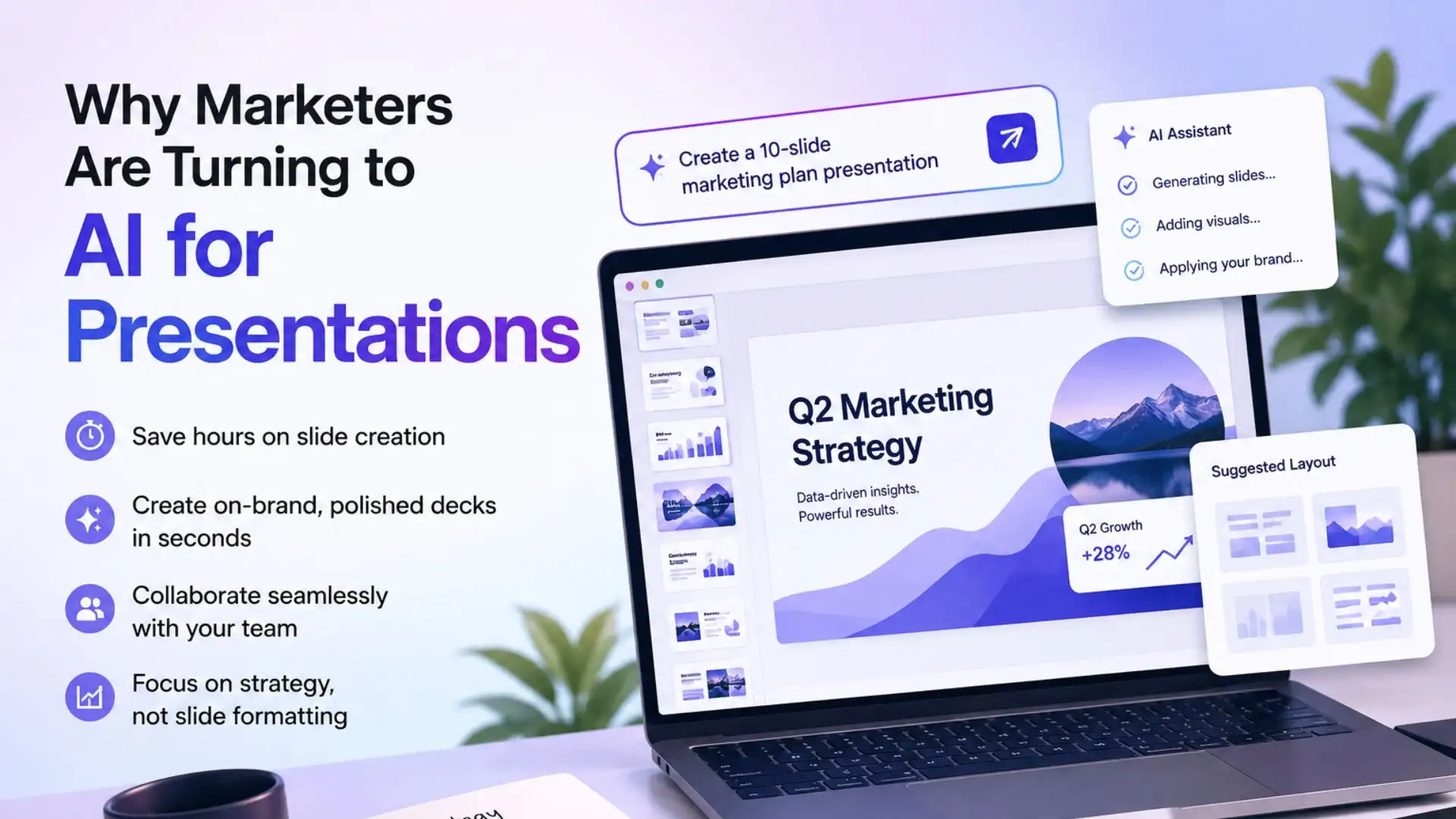
Marketing never slows. Campaign briefs, webinar decks, and quarterly business reviews all demand slides yesterday. Traditional tools leave you staring at a blank canvas, tweaking layouts, then chasing teammates for edits. It’s busy work, not brand building.
AI flips that script. Drop a prompt into the right platform and a first-draft deck appears in seconds. Instead of wrestling rectangles, you refine the story, polish data, and add the human touch algorithms miss. Hours once lost to slide prep return to strategy.
Adoption is rising fast because the workflow fit is clear. Most marketers already live in PowerPoint, Slides, or Canva, so an AI co-pilot inside those apps keeps the learning curve short and the output quick. Stand-alone generators still earn a place when they export clean PPTX files or publish web-native decks you can share as links.
Mainstream “best AI presentation” lists ignore the issues that matter in real teams: brand compliance, collaboration, and data security. That is the gap this guide fills. We focus on the practical wins that protect revenue and reputation.
Curious about our scoring model? Head to the next section for the details.
How We Judged The Field
Great tools may feel easy, but fair rankings rely on clear logic. We built a scoring model around the everyday challenges marketing teams face, then tested each platform against it.
Our rubric covers seven factors that reflect real-world value, not marketing spin.
- Ease of use (20 percent). Can someone open the app on a Tuesday morning and ship a deck before coffee cools? Fewer clicks earn a higher score.
- AI output quality (20 percent). We looked for coherent storytelling and on-brand visuals right from the first draft. If a deck felt client-ready, points accrued.
- Workflow integration (15 percent). Google Slides add-ins, PowerPoint exports, and Slack links, anything that lowers friction between idea and delivery, won credit.
- Collaboration and brand control (15 percent). Live co-editing and lockable templates protect brand integrity and lift scores.
- Pricing and value (15 percent). We compared free tiers, seat pricing, and credit systems to see which tools stretch budgets without surprise paywalls.
- Security and compliance (10 percent). SOC 2 badges, GDPR readiness, and single sign-on matter when client data is on the line. Platforms without clear answers slipped.
- Community sentiment (5 percent). Reddit threads and review sites reveal bugs and bright spots faster than press releases, so we included that feedback.
Each factor received a score from one to ten, multiplied by its weight, then summed for a total out of one hundred.
To keep the test fair, we asked every tool to handle the same prompt: “Create a 10-slide marketing plan for a SaaS product launch.” The prompt surfaced strengths, quirks, and deal-breakers.
Ground rules set, let’s meet the contenders.
1. Plus AI – Slides-Native Speed With Enterprise Peace of Mind
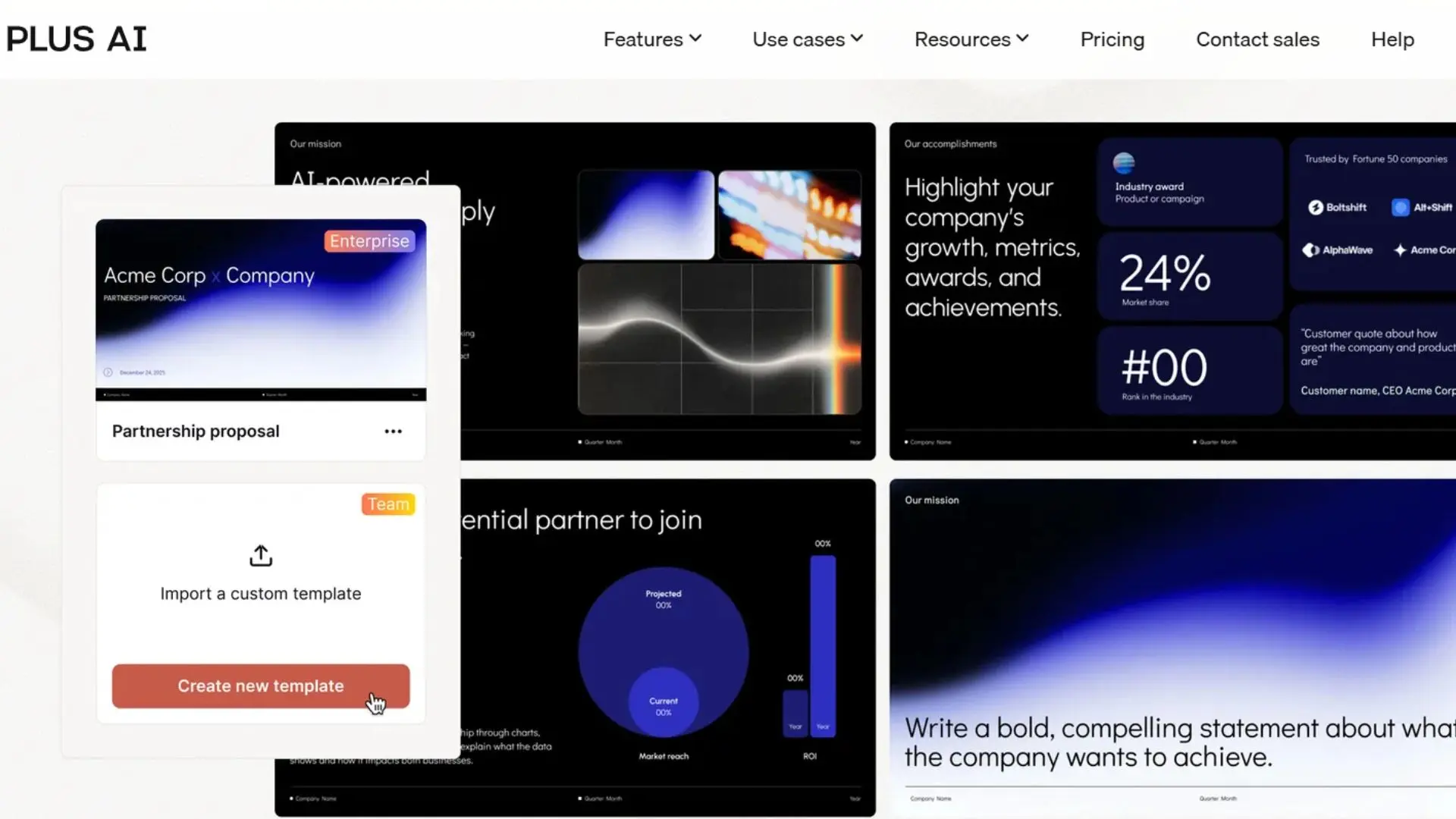
If your team already lives in Google Slides or PowerPoint, the benchmark for an AI presentation generator is a branded deck in under a minute—and Plus AI meets that mark. Install the add-on, type a prompt, and complete on-brand slides appear inside the deck you were editing moments ago. No exports, no file juggling, just quick momentum.
The AI pulls from your slide master, so fonts, colors, and logos stay exactly where brand managers want them. Need a new agenda or a redesigned data slide? Highlight the content, ask Plus AI to rewrite or re-layout, and it responds without touching the template. Co-authors can jump in at the same time, add comments, and watch the copy refine in the sidebar.
Security meets enterprise demands. Plus AI holds an independent SOC 2 Type II certification, a rare badge among AI slide tools and a green light for teams handling client data.
Pricing starts around ten dollars per user each month. Turning a half-day deck chore into a 30-minute collaborative sprint makes that fee easy to defend. Measure the ROI in reclaimed creative hours, and Plus AI earns its top spot.
2. Gamma – Draft A Story, Not Just Sides
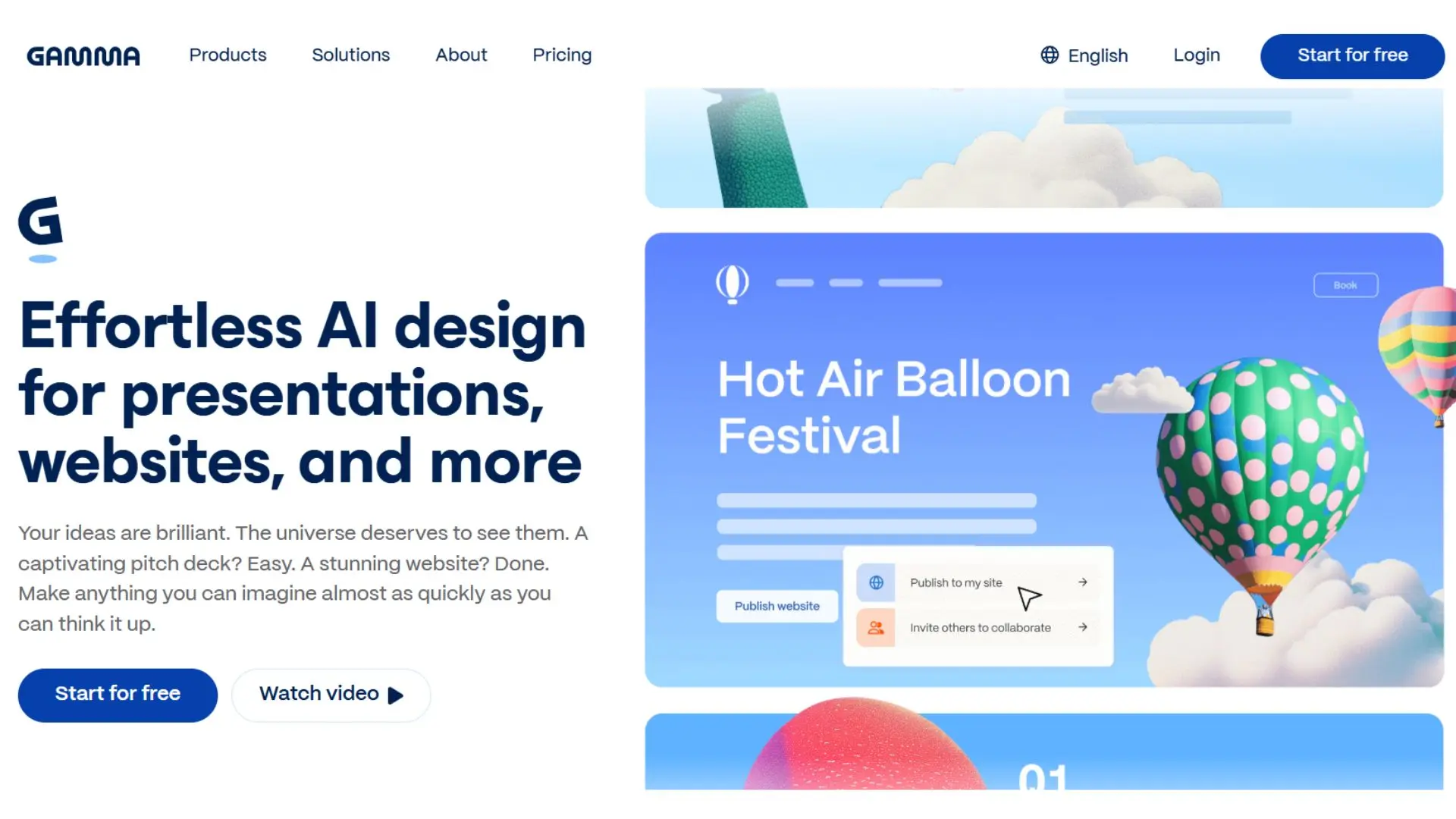
Gamma blends Medium-style storytelling with slide creation. Drop a topic into its chat box and, in under a minute, you’re scrolling through a sleek web presentation complete with headings, supporting stats, and on-brand images. It is the quickest path we have found from blank page to coherent narrative.
Speed is only half the draw. Gamma decks read more like interactive articles than static slides, ideal for asynchronous reviews or LinkedIn carousels. A single click exports a clean PPTX or Google Slides file, so you are never stuck in its ecosystem.
Editing stays conversational. Need friendlier wording or a sharper data point? Ask the sidebar assistant and watch the content adjust in place. The trade-off is nuance. Without focused prompts, Gamma can default to surface-level copy. Feed it specifics—campaign metrics, audience insights—and quality improves quickly.
Brand control is lighter than Plus AI. You can choose themes and tweak palettes, but true template locking is not available yet. For teams that demand strict visual consistency, plan a brief design pass after export.
For rapid concept decks, thought-leadership pieces, or internal reports that benefit from a scrollable format, Gamma saves time you can invest in insights instead of copy-pasting charts.
3. Canva Magic Design – One Tool, Endless Visuals
Canva already sits in many marketers’ bookmarks for social graphics and ad mock-ups. Magic Design extends that convenience to slide decks. Type a theme or drop in a few brand images, and Canva assembles a full presentation with coordinated colors, icons, and backgrounds in under a minute. It feels less like starting from scratch and more like remixing your existing brand library.
The real power is ecosystem gravity. Build a deck, then spin selected slides into Instagram posts, infographics, or email headers without leaving the editor. That “create once, repurpose everywhere” flow keeps campaigns visually unified and cuts production time.
Design freedom is broad. Every text box, photo, and shape is drag-and-drop. Need to nudge a chart 20 pixels? Go for it. Prefer a different illustration style? The asset library offers millions of options, and brand-kit controls keep your logo and hex codes locked in.
Where Canva stumbles is AI copy depth. Magic Design suggests headings and bullet stubs, but the strategic narrative and detailed data points are on you. For many teams that is fine; pair Canva with ChatGPT or your own insights and you are set.
Pricing stays friendly. The free plan now includes a handful of AI presentations each month, while Pro at roughly fifteen dollars covers thousands of AI generations plus multiple brand kits. For teams already paying Pro for social assets, Magic Design feels like a bonus rather than another line item.
Bottom line: if your workflow already lives in Canva, Magic Design accelerates slide creation. It will not write the story, yet it makes sure every slide and related asset look polished and consistent.
4. Beautiful.ai – Design Discipline On Autopilot
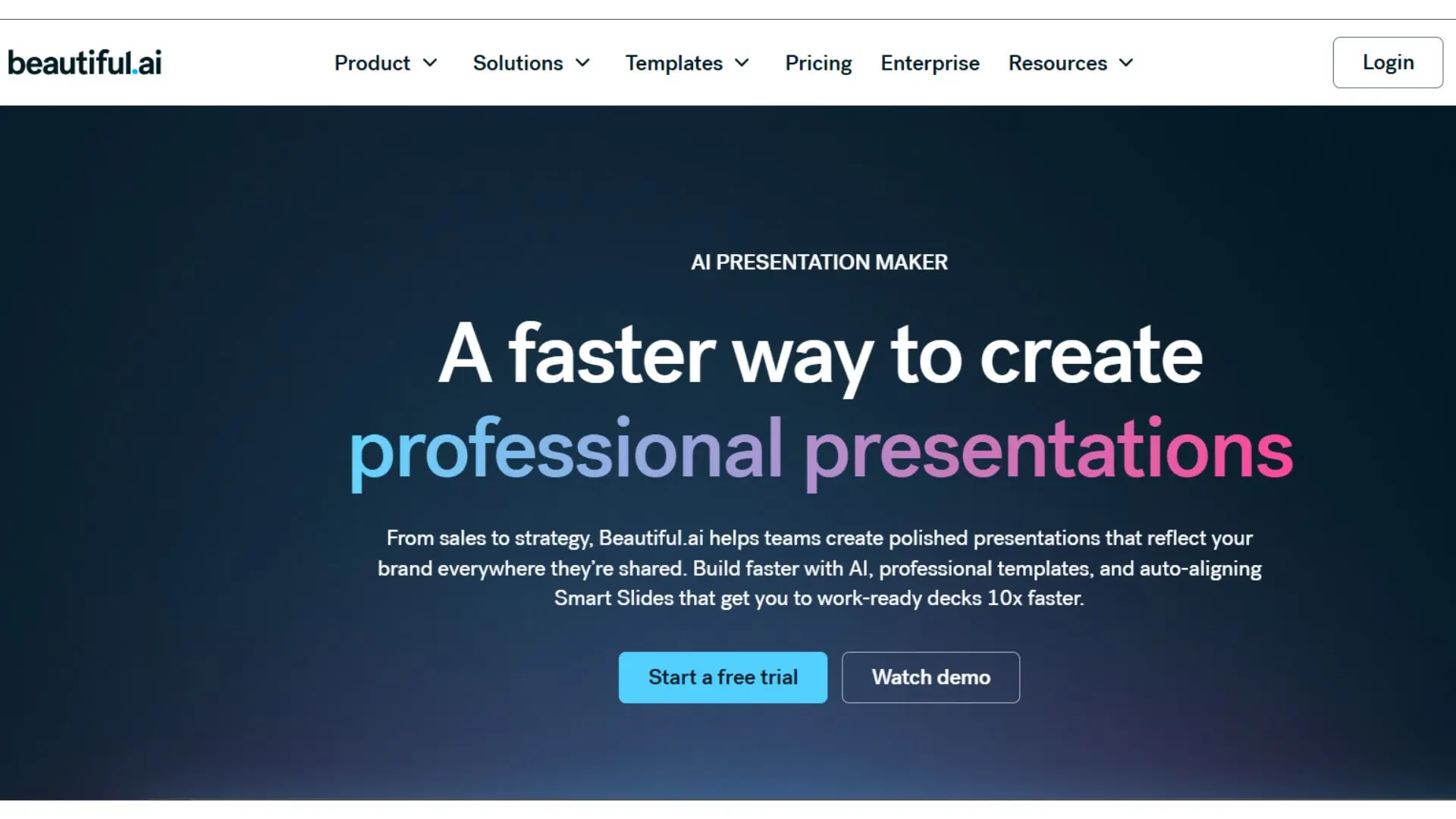
Some teams need every deck to look as if it passed through an in-house designer, even when that designer is busy elsewhere. Beautiful.ai fills that gap. Its Smart Slide engine locks layouts to proven design rules, so spacing, alignment, and typography stay polished no matter how many edits teammates add.
You start by choosing a theme or loading a brand kit. From there, every slide inherits those settings automatically. Add a long headline and the font scales down gracefully. Drop an extra bullet and column widths reset. It feels like a built-in creative director quietly fixing stray pixels.
The trade-off is flexibility. If someone insists on free-form collage slides, Beautiful.ai will feel restrictive. Yet for marketing teams tired of inconsistent decks, those guardrails are a relief. Brand managers rest easier knowing rogue fonts cannot sneak through.
AI help centers on layout, not copy. Provide an outline and you get sensible structures such as charts for metrics or icon lists for feature call-outs, but you still write the story. Pair it with ChatGPT for narrative and you combine strong words with algorithm-ready visuals.
Pricing sits in the middle tier. Individual plans hover around twelve dollars per month, while the Team plan rises to about forty per user but unlocks shared libraries and template locking. For organizations that send decks to clients daily, that fee costs less than a single design revision round.
Bottom line: Beautiful.ai is about presentation discipline over ideation. Choose it when brand consistency matters more than creative freedom and when you want junior teammates producing slides that look senior-level on the first try.
5. Pitch – Multiplayer Deck Building With A Dash of AI
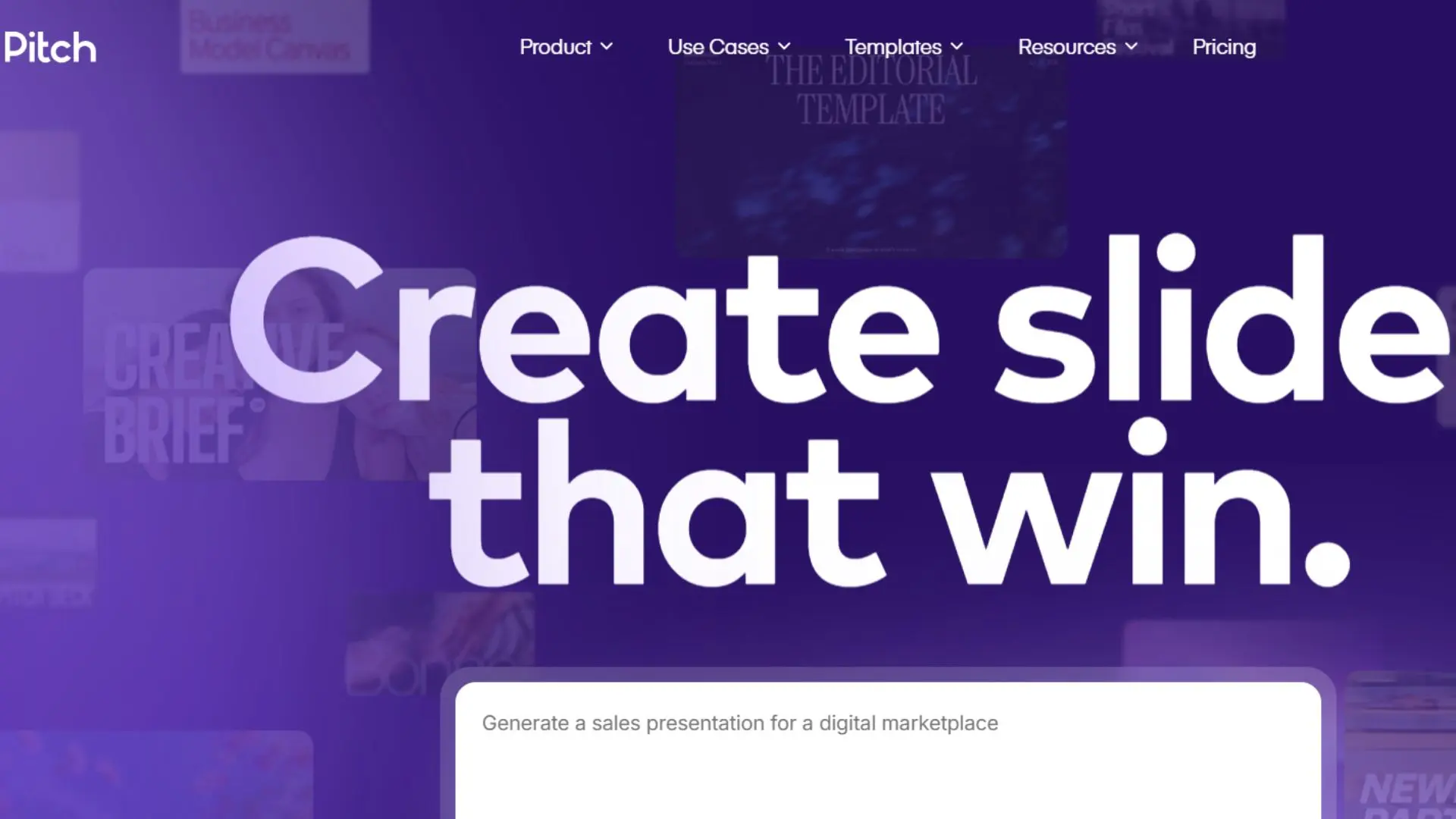
Pitch feels like Google Slides after design school, now fluent in teamwork. Open a deck and you see live cursors from strategists, designers, and sales leads editing together, with comments neatly threaded in the margin. Version history tracks every tweak, so no one loses the plot.
The new Pitch AI speeds up first drafts. Type “Investor update slide” and it suggests bullet points, headlines, and icons from its Unsplash integration. While less verbose than Gamma, it excels at tightening copy or rephrasing headlines to fit a template. Think of it as Grammarly for slide content plus a quick layout helper.
Brand governance is where Pitch shines. Create a workspace template, lock the logo and palette, and every new deck follows those rules.
Pitch also includes lightweight analytics. Share a link and you will see whether a prospect opened the deck and which slides held their attention. It is not a full sales-enablement suite, yet those insights help marketers refine messaging before the next pitch.
Pricing stays friendly. Up to ten users get most features free. Pro at about twenty dollars a month unlocks AI, unlimited guests, and exports. That balance suits startups and agencies that build collaborative decks but do not need enterprise procurement hoops.
In short, choose Pitch when several stakeholders shape every slide and you want a collaborative workspace that keeps everyone on the same branded page.
6. Presentations.ai – Budget-Friendly Drafts in A Few Clicks
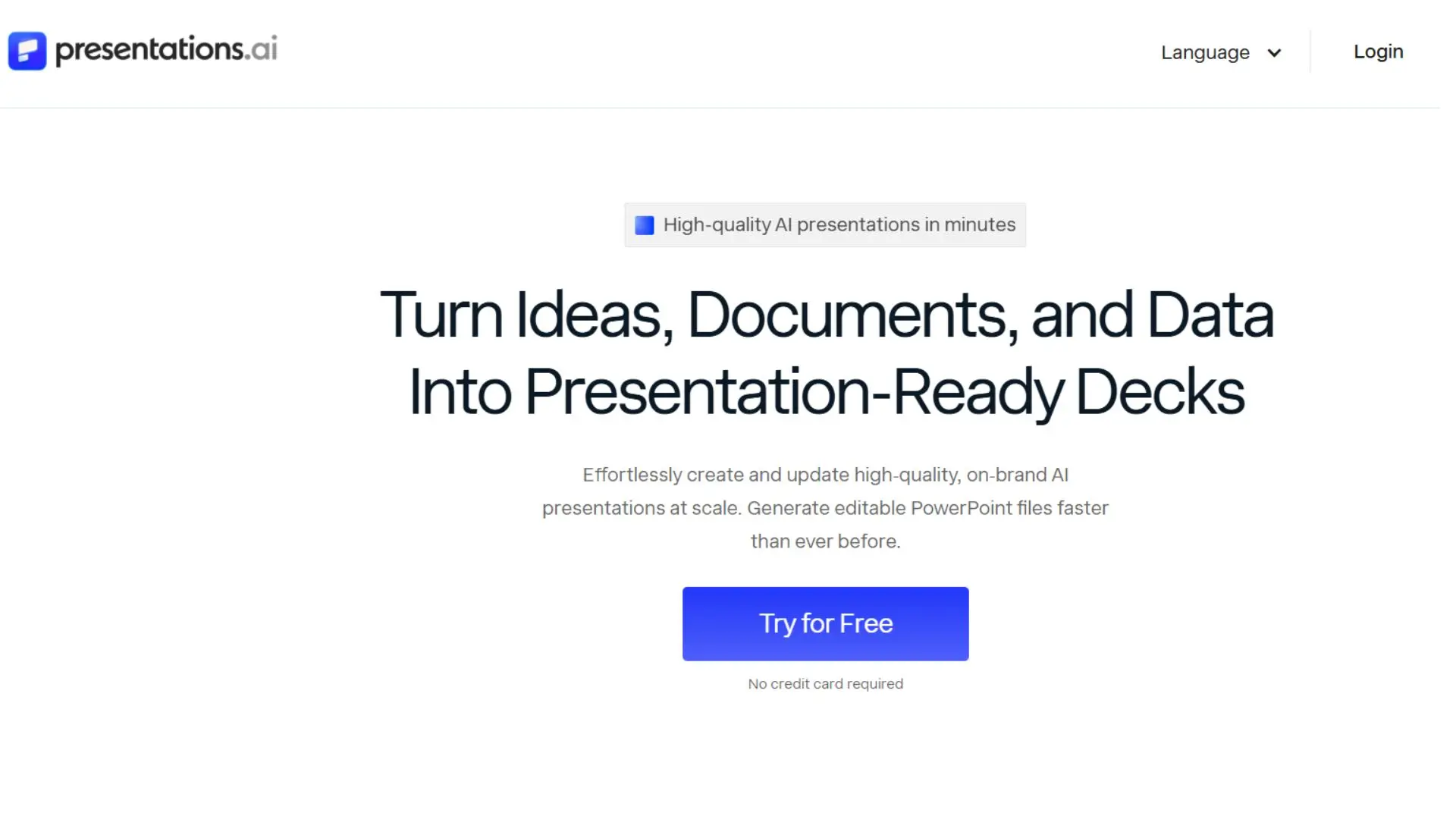
Sometimes you just need a serviceable deck fast without another subscription draining the card. Presentations.ai fills that niche with a credit system that keeps costs low for occasional users. Sign up, spend a few free credits, and watch a multi-slide outline populate in less than a minute.
The interface stays simple. A single prompt field asks for topic and tone, then the engine delivers a logical structure—intro, problem, solution, next steps—tailored to business audiences. You can swap color schemes or choose a different layout with one tap, but deep design customization ends there.
That minimalism is intentional. Presentations.ai is a starting point. Export the PPTX, drop it into your corporate template, and polish copy at leisure. For freelancers or small startups, that flow beats blank-slide paralysis without locking them into monthly fees.
Multi-language support is a quiet win. Need a deck in Japanese or French? Toggle the language before generation and the AI drafts bullets in that tongue. Native speakers should still proof nuance, yet it jump-starts localization many premium tools skip.
Limitations remain. No real-time collaboration, limited brand controls, and unclear security audits mean enterprises will look elsewhere. For side-hustle pitches, client discovery sessions, or internal idea sharing, Presentations.ai stretches each dollar and meets tight deadlines.
7. Prezi – Zoomable Storytelling for Big-Idea Pitches
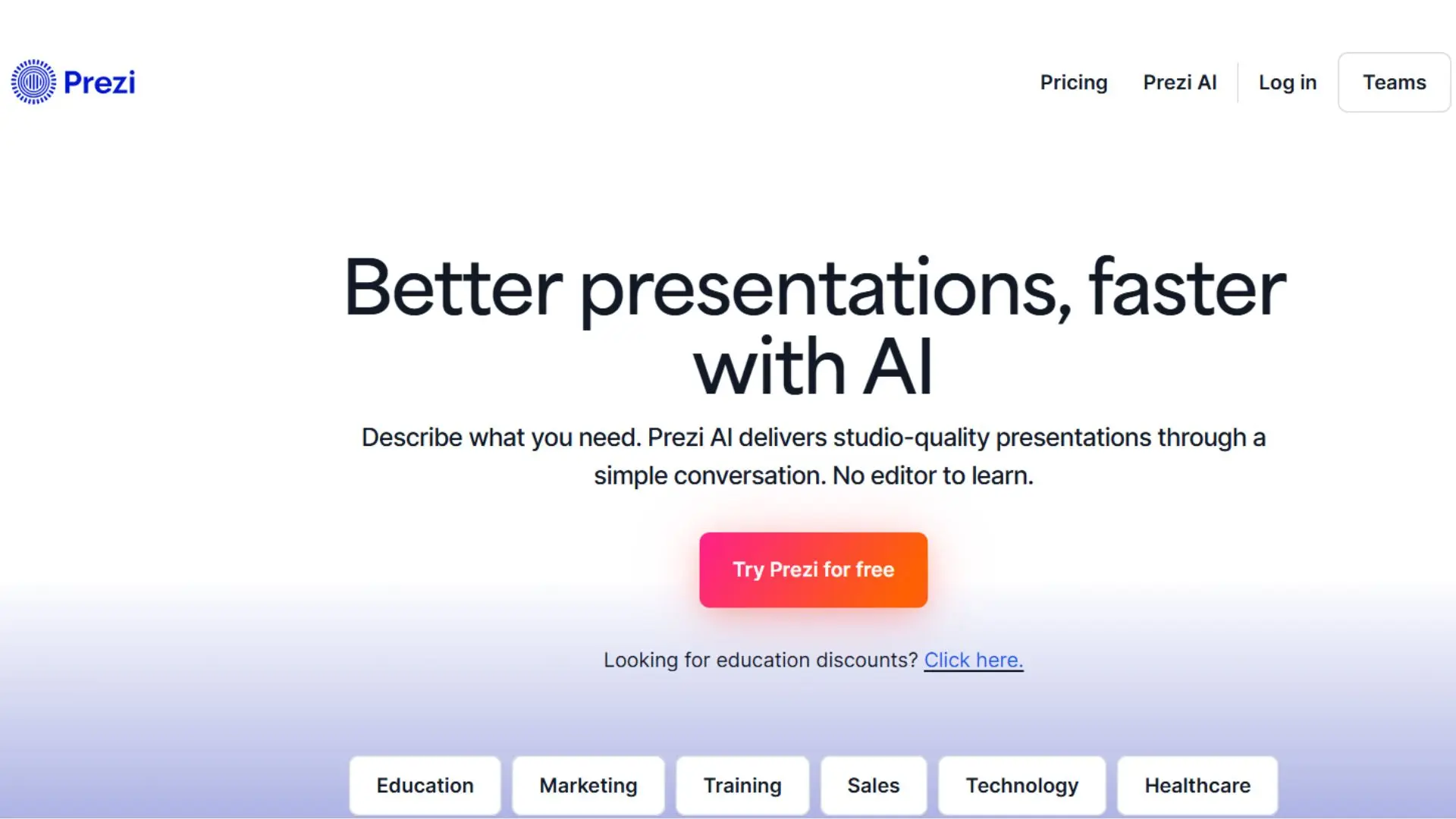
Prezi broke slide monotony long before AI arrived, swapping linear decks for a single canvas that zooms from big picture to fine detail. The new Prezi AI drafts that canvas for you, suggesting a story arc and arranging topics as nested frames in seconds.
For marketers pitching complex ecosystems such as omnichannel campaigns or product roadmaps, the zoom mechanic shines. Start with the macro view, dive into each channel, then pull back to show synergy. Movement keeps viewers focused when bullet lists would tire them.
AI help stays structural. Feed it “2026 marketing trends,” and Prezi proposes five parent topics with sub-points placed around the canvas. The visual outline sparks fresh angles you might miss in slide lists. From there, drag elements, swap icons, or adjust colors while the zoom paths update automatically.
There is a catch. Navigating the canvas takes practice, and some audiences may feel motion fatigue. If your brand team enforces strict templates, Prezi’s free-form style may raise eyebrows. Export to PDF is possible, but you lose the movement magic.
Pricing remains accessible. About nineteen dollars per month unlocks unlimited AI features and offline editing. Use cases are focused yet valuable: conference keynotes, agency pitches, or educational webinars where story flow matters more than rigid brand slides. When you need a narrative that pulls viewers into the details, Prezi delivers a memorable ride.
8. Decktopus – Generate, Share, and Track Engagement
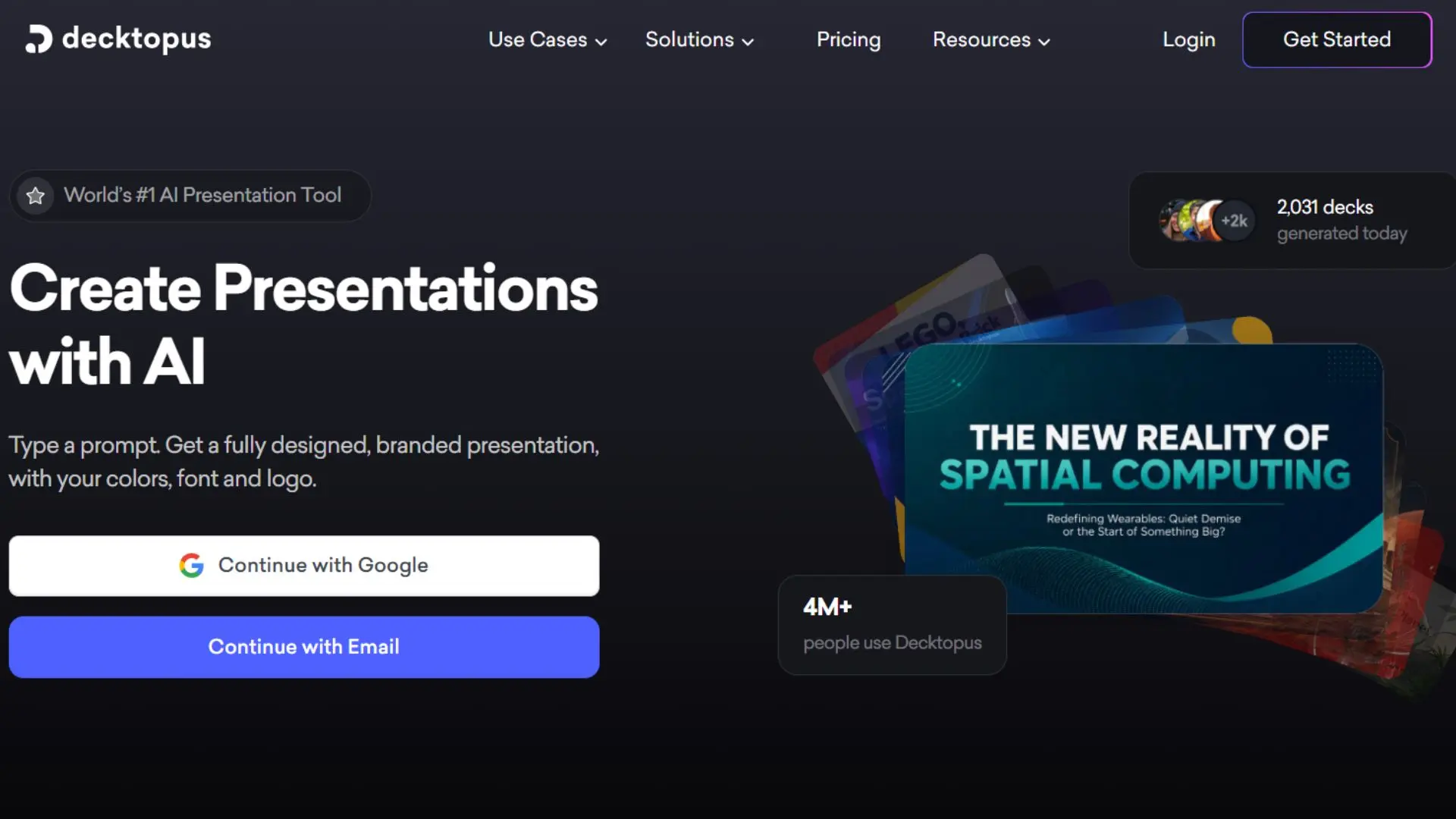
Decktopus treats every presentation like a mini landing page. Give it a title, audience type, and tone, and the AI drafts a full proposal or report with placeholder visuals in less than a minute. The real value appears after you click “Share.”
Each deck lives at a unique web link that doubles as a microsite. Prospects can page through slides, complete embedded forms, or book a call without leaving the deck. Meanwhile, Decktopus records who opened the link, which slides held attention, and whether they followed the call to action. For marketers working closely with sales, that insight turns a static pitch into a data-rich lead source.
Design options stay intentionally narrow. Templates follow clean corporate styles, and AI-selected stock photos fill empty spaces. You can tweak colors to match your brand, but deep customization yields to speed and consistency. If every proposal must match a strict PowerPoint template, export and polish visuals offline.
Pricing starts with a free tier. Analytics and custom domains unlock at roughly thirty-five to fifty dollars per user each month. For agencies and consultants sending proposals daily, a single closed deal can cover the cost. Security is basic—suitable for marketing copy, but not for confidential merger slides.
Decktopus shines when a deck needs to do more than inform. If your presentations double as sales funnels, this tool keeps working after you press send.
9. Alai (Getalai.com) – Fresh Design Choices for The Early Adopter
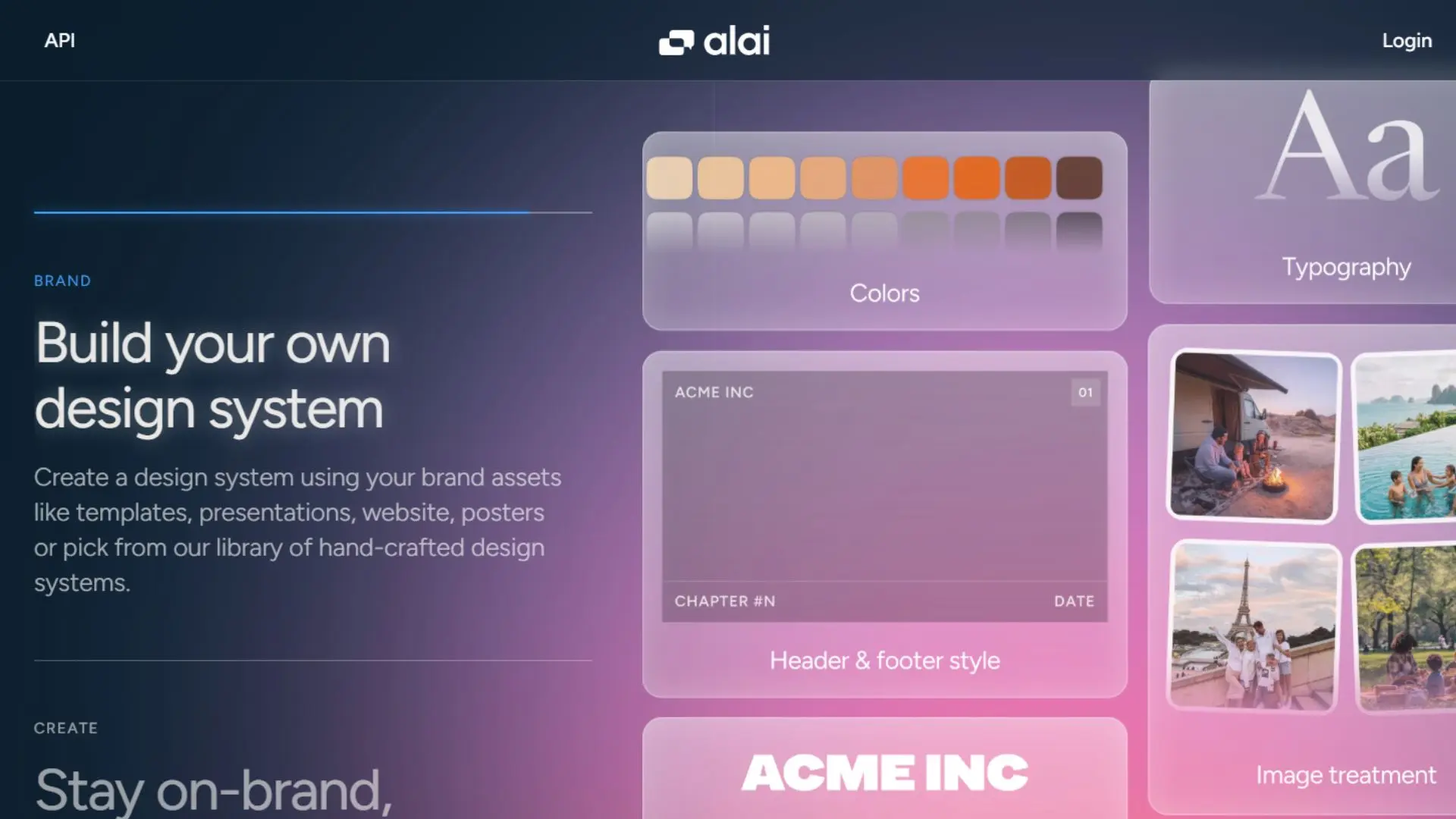
Alai is a recent entrant, and early Reddit users praise its design range. Ask for a “SaaS launch roadmap,” and Alai returns four layout options for each slide—infographic, icon-led, photo-heavy, and more—so you can choose the style that fits your brand before committing. This flexibility cuts the back-and-forth common with single-look generators.
Consistency is another win. If Slide 2 introduces “Customer Segments,” later slides keep the same wording instead of slipping into generic filler, so the deck feels curated rather than stitched by a bot.
As a startup, integrations are still coming. You can export to PPTX or PDF today, then finish edits in Google Slides or PowerPoint. If you rely on add-ons, wait for the promised plugins. Security details remain light, so keep sensitive numbers out of the beta workspace.
Why try it now? The output often needs fewer touch-ups than veteran tools, saving time for teams that value polish over process. Alai is currently free or offered at early-access discounts, so experimenting costs little.
If you enjoy testing new tech before it hits the mainstream, spin up a sample deck in Alai. The fresh layouts may help your slides stand out from familiar templates.
10. Microsoft Copilot and Gemini for Google Workspace: Built-in Potential Still Warming Up
The presentation heavyweights are adding AI quietly. If your company already pays for Microsoft 365 E5 or Google Workspace Business Standard or higher, you may notice a new sidebar inviting you to “Generate slides.” Click it and Copilot or Gemini reads your prompt, or an existing document, and drafts a deck inside the software you use every day. No extra log-ins, no exports, just native convenience.
Integration feels seamless. Copilot respects your PowerPoint template, places text in brand fonts, and even writes speaker notes pulled from linked Word files. Gemini does the same within Google Slides, tapping your existing themes and pulling charts straight from connected Sheets. For brand guardians, that auto-compliance is a relief.
Early testers report uneven creativity. The first drafts land the structure but rely on generic phrasing and stock imagery. You still need to refine messaging, add fresh data, and boost design energy. Treat these tools like diligent interns: helpful for outlines, yet they need a manager’s eye before client time.
Access and pricing pose larger hurdles. As of mid-2026, Copilot costs an extra thirty dollars per user on top of premium Microsoft plans, while Gemini is baked into most Google Workspace tiers, including Business Standard and Plus. Many small and mid-size teams skip Copilot’s add-on fee, which is why dedicated AI presenters still rank higher for value.
Conclusion
Keep an eye on both. When their design polish rivals Gamma or their collaboration matches Pitch, adoption will jump. For now, if you already hold the licenses, use Copilot or Gemini to draft outlines, then move to a specialist tool for visual impact.