An attack on an executive doesn’t need clever malware. It can start with an email that looks like it came from the CFO, a voice note that sounds like the CEO, or a login page that looks like Microsoft 365. Leaders are worth targeting because their inbox can approve payments.
The habits that guard against this are mostly boring and cheap. This list draws on UK NCSC guidance, an FBI alert and a joint CISA and FBI guide on mobile communications. It was written for senior government and political figures but says it applies to all audiences.
Follow Safe Cybersecurity Practices During Business Travel
1. Verify every urgent request, even a familiar voice
Start with business email compromise. Someone spoofs or takes over a senior person’s email, writes to finance about a “confidential deal,” and asks for a transfer before the end of the day.
Voice is no longer proof either. In May 2025 the FBI warned that malicious actors were using AI-generated voice messages to impersonate senior US officials, and advised people to find the person’s number themselves and call to verify. Make that a rule: any request to move money or change bank details gets confirmed by phone, on a number you already have. See our guide on how to identify phishing emails.
If an assistant manages your inbox or calendar, give them delegated access through your email system instead of sharing your password. And watch what you post publicly, since NCSC guidance for high-risk individuals asks people to consider how much personal information they share on social media.
2. Use encrypted email, and know what it covers
If your company runs Microsoft 365 or Google Workspace, ask your admin about the built-in options first, such as Microsoft Purview Message Encryption or S/MIME in Gmail, which depend on your plan. For a separate, private inbox, an encrypted mail service is another sensible option, as long as you know where the protection stops.
According to Proton’s own support documentation, messages between Proton accounts are end-to-end encrypted. Email sent to a Gmail or Outlook address is protected in transit, but it isn’t end-to-end encrypted by default. For that, Proton offers password-protected emails. Subject lines are not end-to-end encrypted, so keep deal names out of them.
3. Swap SMS codes for security keys or passkeys
SMS codes can be phished or redirected to a swapped SIM. The CISA and FBI guide is direct: don’t use SMS as a second factor, and once an authenticator is set up, turn off SMS as a fallback. It recommends phishing-resistant FIDO authentication, with hardware security keys as the strongest option and passkeys as an acceptable alternative.
Buy two keys and keep one somewhere safe, because NCSC guidance points out that a lost token can lock you out. Start with email, your password manager, banking and any cloud admin console. See also why password security still matters.
4. Let updates install themselves
Turn on automatic updates for your laptop, phone and apps, and do a quick manual check once a week, which is what the CISA and FBI guide suggests.
5. Travel light, digitally
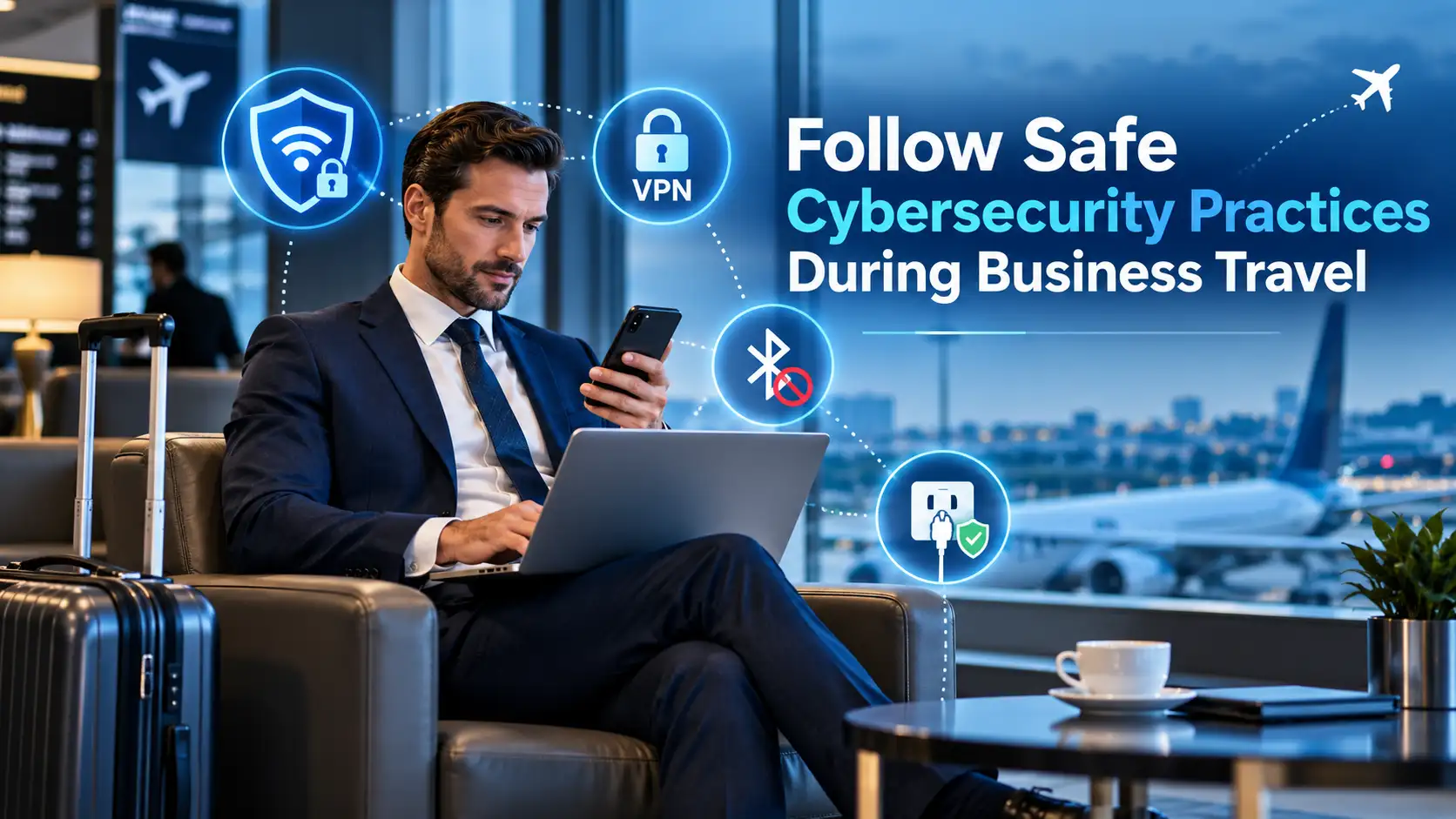
NCSC advice for high-risk individuals is to avoid public USB charging points and use a traditional power plug instead, so pack your own charger. Its device security guidance also says to disable short-range wireless interfaces such as Bluetooth when you don’t need them. On hotel and airport networks, use your company’s VPN if it provides one. The CISA and FBI guide advises against personal VPN apps, because they mostly shift your risk from your internet provider to the VPN company.
6. Put it on a schedule
The NCSC’s small organisations guide to cyber security makes a good review frame: email, important accounts, devices, backups and spotting attacks. For a wider view, this roundup of top cybersecurity survival guides for small businesses points to NIST, CISA and SBA resources. Review one with your IT lead every few months, and see our guide to active measures to boost cybersecurity protections.
Executive cybersecurity checklist
- Confirm every payment or bank-detail change by phone, using a known number.
- Give assistants delegated access, never your password.
- Use your company’s email encryption or an encrypted inbox, and keep deal names out of subject lines.
- Use hardware security keys or passkeys, and turn off SMS codes.
- Turn on automatic updates and check once a week.
- When traveling, use your own charger, switch off Bluetooth and use the company VPN.
- Review email, accounts, devices and backups every few months.
None of this needs a big budget. It needs a few rules you follow even in a hurry, because a hurry is exactly what attackers count on.