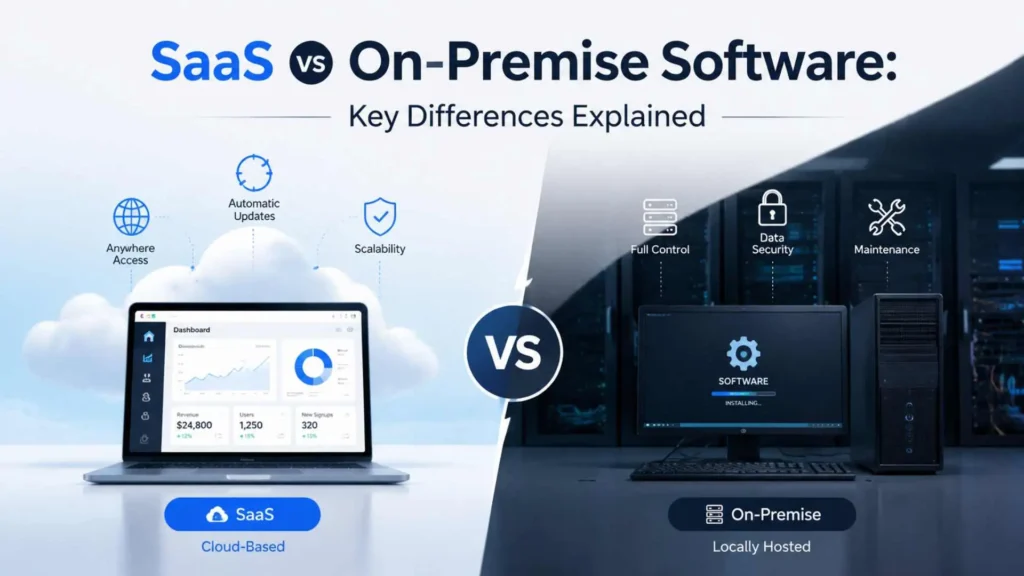
SaaS and on-premise software can perform the same business function, but they place control, cost and day-to-day responsibility in different hands. With SaaS, a provider hosts and maintains the application. With on-premise software, the organisation runs it on infrastructure it owns or directly controls.
That makes the choice bigger than “cloud versus server.” It must account for implementation, updates, access, security, customisation, scalability and lifetime cost.
Quick answer: SaaS is vendor-hosted and generally easier to deploy and maintain. On-premise software offers more infrastructure control but requires more internal management.
SaaS vs On-Premise at a Glance
| Area | SaaS | On-premise software |
| Hosting | Vendor-managed cloud environment | Organisation-managed infrastructure |
| Payment model | Usually recurring subscription | Often licences plus hardware and operating costs |
| Setup | Generally faster for standard use | Usually requires infrastructure and deployment work |
| Maintenance | Provider maintains the underlying service | Internal team or contractor maintains the full environment |
| Access | Commonly available through a browser or app | Usually centred on the company network; remote access needs planning |
| Customisation | Configuration, integrations and vendor-supported extensions | Deeper control over software and surrounding infrastructure |
| Scaling | Add users or capacity through the service plan | Purchase, configure and maintain additional capacity |
| Main dependency | Provider, contract and internet connectivity | Internal skills, hardware and operational processes |
What Is SaaS?
Software as a Service is a cloud delivery model in which customers use an application running on the provider’s infrastructure. NIST’s definition of Software as a Service explains that the provider manages the underlying cloud infrastructure while users access the application through client devices such as a browser.
Examples include cloud email, CRM, accounting and project-management platforms. A SaaS product may serve many industries or focus on one; that distinction is covered in our guide to horizontal and vertical SaaS.
The customer still has work to do. User access, data handling, configuration, integrations and vendor review remain the customer’s job even when the application is hosted elsewhere.
What Is On-Premise Software?
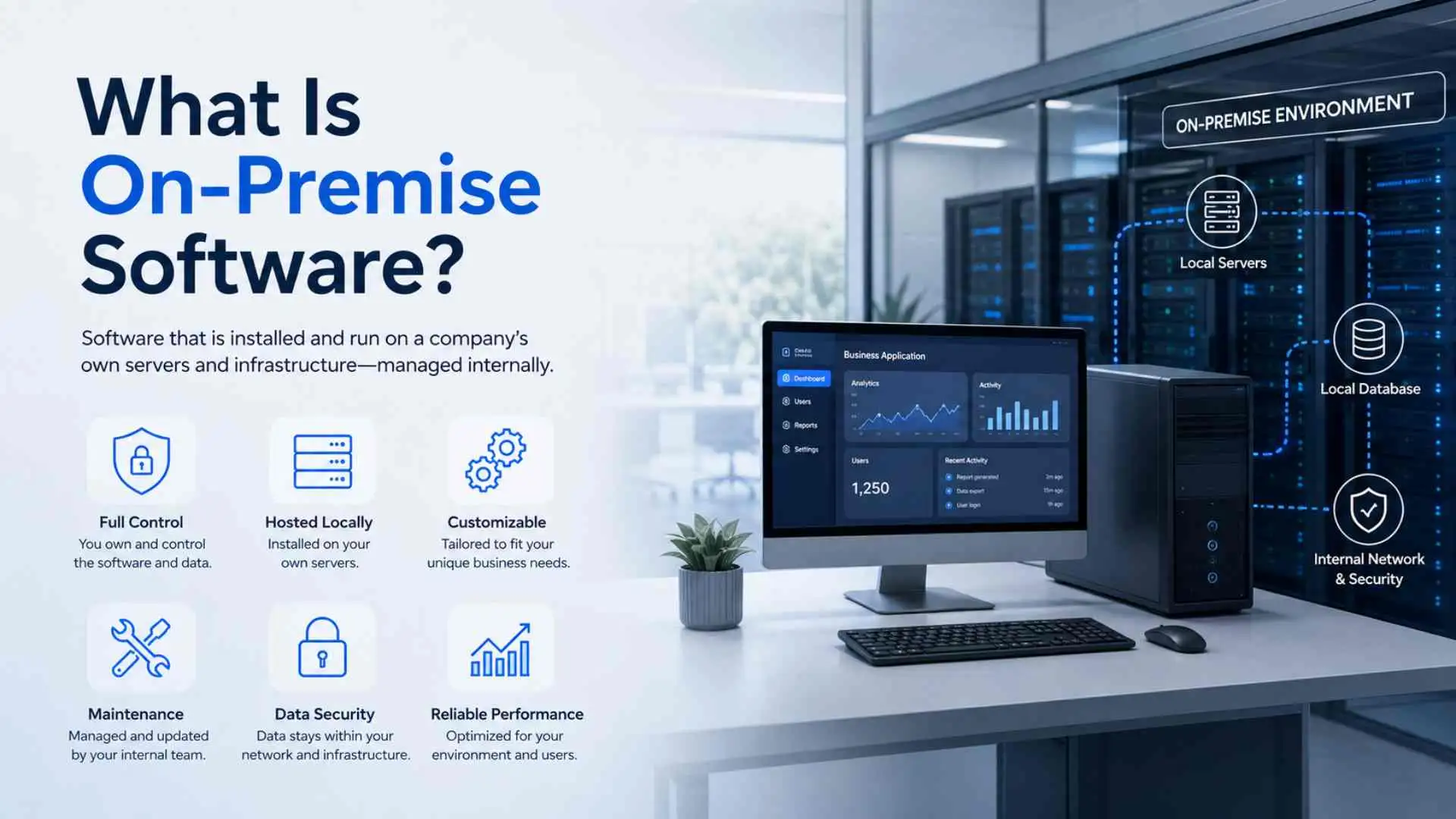
On-premise software runs within infrastructure controlled by the organisation, such as servers in its office, factory or private data centre. The business manages the environment directly or hires specialists to do it.
This model offers greater control over deployment timing, network design, data location and customisation. It also makes the organisation responsible for hardware, operating systems, updates, backups, monitoring, recovery and physical protection.
The Differences That Matter in Practice
Cost and Budgeting
SaaS usually reduces the need to buy servers and pay for a large software deployment upfront. Costs move toward monthly or annual subscriptions. Implementation, training, integration and data migration can still be significant, while unused or overlapping subscriptions can lead to SaaS sprawl.
On-premise software may require licences, servers, storage, networking, backups and specialist staff. It may make financial sense when demand is stable or suitable infrastructure already exists. Compare lifetime cost, not just the first invoice.
Maintenance and Updates
A SaaS provider typically handles infrastructure maintenance, platform updates and application releases. This removes routine work but also gives the customer less control over when the interface or a feature changes.
With on-premise software, the organisation can test and schedule updates around its own operations. The trade-off is that postponed patches and ageing hardware become its problem too.
Control and Customisation
SaaS products usually offer settings, workflows, APIs and approved integrations. That suits many standard processes, especially when the application fits a documented business SaaS stack.
On-premise software can support deeper code, database or infrastructure changes. Those modifications may become expensive to maintain and can complicate future upgrades. More control is valuable only when the organisation has a clear reason and the skills to use it.
Access, Reliability and Scaling
SaaS is well suited to distributed teams because users can commonly sign in from different locations and devices. Adding users is often quick. However, access depends on connectivity and the provider’s availability.
On-premise systems can deliver predictable performance on a local network and may suit locations with unreliable external connectivity. Remote access, extra capacity and disaster recovery require internal design and investment.
Security and Responsibility
Security depends less on the model chosen and more on who manages each layer.
Microsoft’s cloud shared-responsibility model shows that an on-premise organisation owns the whole technology stack. In SaaS, the provider takes responsibility for areas such as the physical data centre, hosts, operating system and network controls, while the customer remains responsible for its data, accounts, access and settings.
Buyers should assess authentication, permissions, logging, recovery commitments, incident processes, data location, export formats and independent assurance. Review a vendor’s actual practices, regardless of how familiar the brand is.
Pros and Cons
SaaS Advantages
- Faster rollout for standard workflows
- Lower infrastructure and maintenance burden
- Convenient access for distributed teams
- Easier short-term scaling
- Updates delivered by the provider
SaaS Limitations
- Recurring fees can grow with users or usage
- Less control over updates and infrastructure
- Dependence on vendor availability and connectivity
- Product limits may restrict customisation
- Data export and switching can require careful planning
On-Premise Advantages
- Direct control over infrastructure and release timing
- Greater scope for specialised customisation
- Local performance can suit site-based operations
- Can support software tied to existing equipment or legacy systems
On-Premise Limitations
- Higher setup effort and infrastructure cost
- Internal responsibility for patches, backups and recovery
- Scaling may require procurement and deployment
- Remote access takes additional design
- Specialist skills must remain available
When Each Model Makes Sense
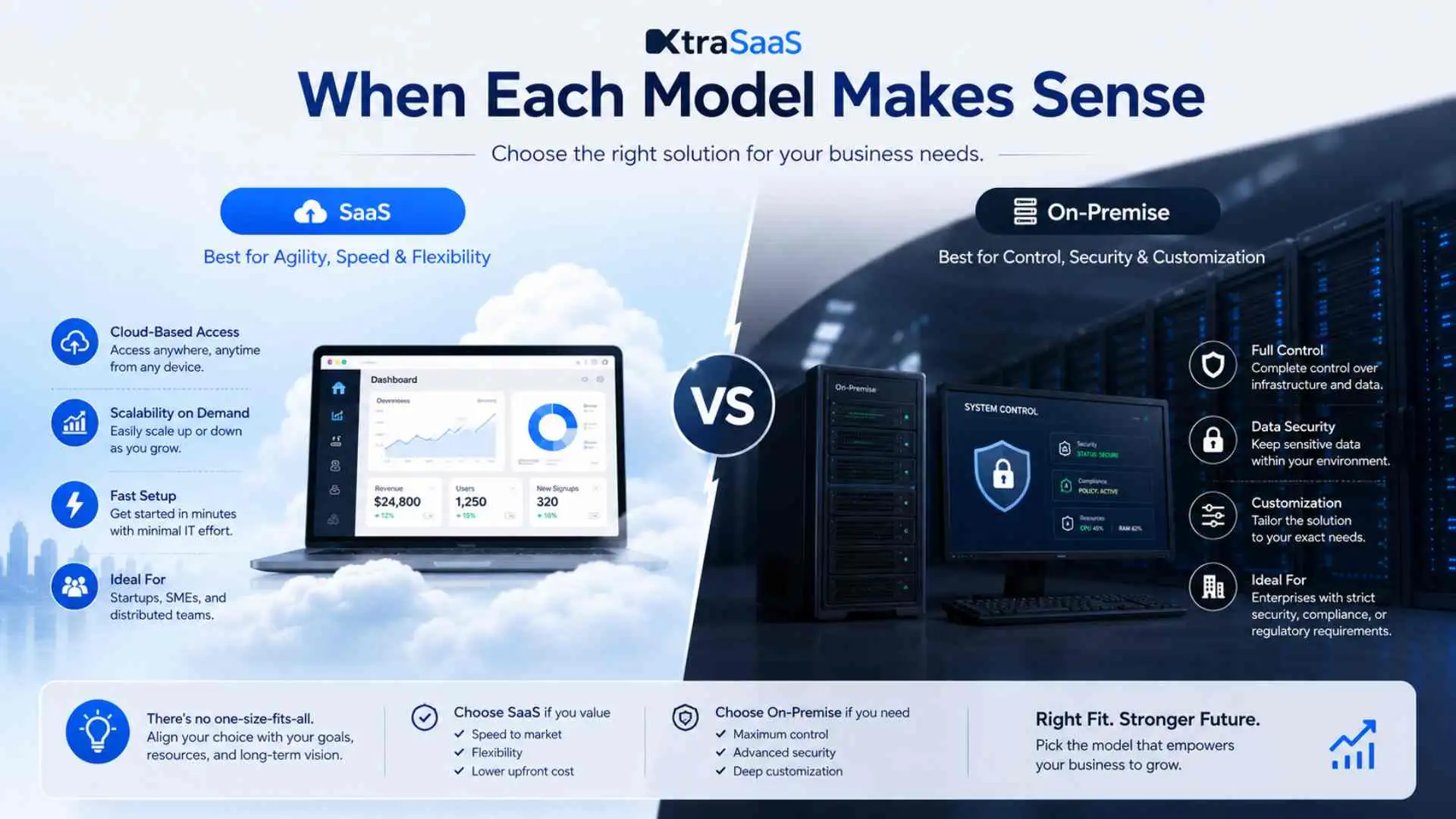
SaaS often fits startups, distributed teams and standard workflows. It also suits businesses that need rapid deployment without operating application infrastructure.
On-premise software may fit specialised systems tied to local equipment, low-latency site processes, unreliable internet access, or control requirements that available SaaS products cannot meet.
A hybrid approach is also common. A company might keep a specialised operational system on-site while using SaaS for email, collaboration or customer support. The important work is then identity management, integration and deciding which system holds the authoritative data.
How to Choose
Ask these questions before comparing vendors:
- Which workflows and integrations are genuinely non-negotiable?
- What control does the organisation need, and why?
- Who will maintain, secure and support the system?
- What is the three-to-five-year total cost, including people and migration?
- What happens during an internet, provider or local infrastructure outage?
- How quickly could data be exported and the service replaced?
- Can a pilot test the hardest workflow before full deployment?
The last point deserves attention. UK government guidance on managing technical lock-in in the cloud recommends considering both the cost and time required to leave a hosting arrangement. Exit planning is useful for on-premise contracts too, especially when custom code or proprietary formats are involved.
Final Takeaway
The SaaS vs on-premise decision is a trade-off between operational convenience and direct control. SaaS transfers more infrastructure and maintenance work to a provider. On-premise software keeps more authority in-house, along with more responsibility.
Choose the model that fits the real workflow, available skills, risk tolerance and long-term cost. If neither side is a clean match, a carefully defined hybrid setup may be the more honest answer.
Frequently Asked Questions
Is SaaS Cheaper Than On-Premise Software?
It depends on the time frame. SaaS often lowers upfront infrastructure costs, but subscriptions, implementation and integrations add to lifetime cost. On-premise software costs more to deploy and maintain, yet may be economical in some stable, long-term environments.
Is On-Premise Software Safer Than SaaS?
Security comes down to who manages which layer, not which model you pick. On-premise software provides direct control but requires the organisation to secure and maintain the full stack. SaaS shifts several layers to the provider while leaving customer data, identities, access and configuration with the buyer.
Can SaaS Work Without the Internet?
Most SaaS products depend on internet access, although some offer limited offline features. Check the specific application rather than assuming offline support.
Can a Business Use SaaS and On-Premise Software Together?
A hybrid environment works well for this: specialised or site-based systems stay on-premise while SaaS handles broader business functions. Clear integration, identity and data-ownership rules are essential.